By then, digital experiences are no longer constructed page by page: They’re architected as scalable ecosystems. Almost all types of websites, whether an eCommerce store, a customized SaaS platform, or a content-driven website, now rely on speed, user experience, and consistency as the three pillars of success. This is where design systems came in.
If you have ever found yourself battling contradictory UI, long app development cycles, or broken branding across platforms, the problem does not lie with your team; it lies in having no design system.
This guide explains what design systems are, why they are a must-have in 2026, and how businesses of all types, from your own small startup to mammoth enterprise brands, can actually take advantage of them for optimum growth outcomes that will not only last in the long run but also bring you major productivity gains of multiple levels. We also touched upon how tools like PrestaShop HTML box fit into this ever-growing landscape for eCommerce brands.
What is a Design System?
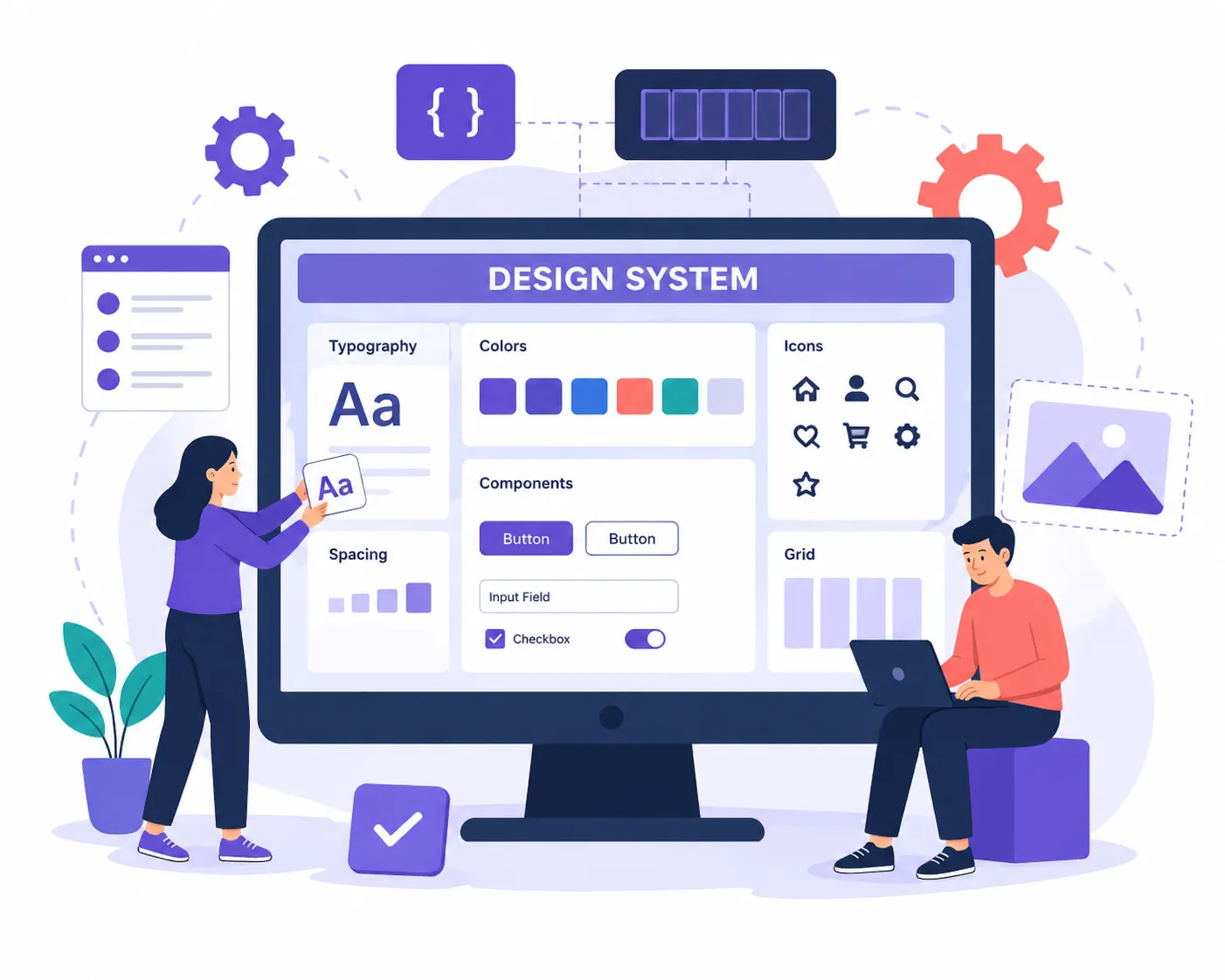
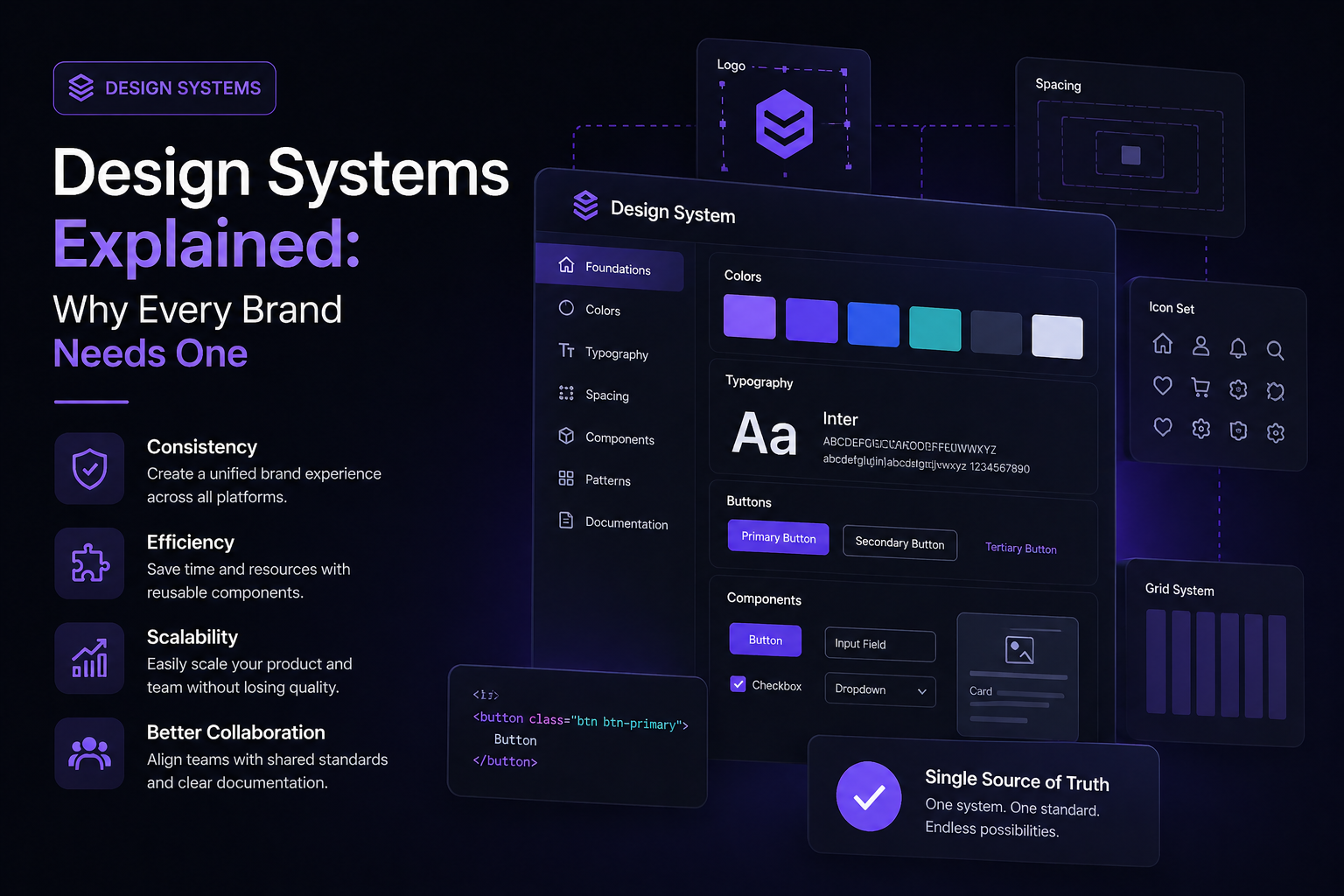
A design system is an integrated set of reusable components, design principles, guidelines, and documents that help ensure consistency within a digital product.
The way to think about it is of a kind of “single source of truth” for designing and development teams.
It typically includes:
- UI Component (buttons, forms, cards, modals)
- Typography and color systems
- Layout grids and spacing rules
- Color, font, and space variables, aka design tokens
- Code snippets and reusable components
- Usage guidelines and best practices
A design system is not a style guide; rather, it should be an evolving component that grows with your product.
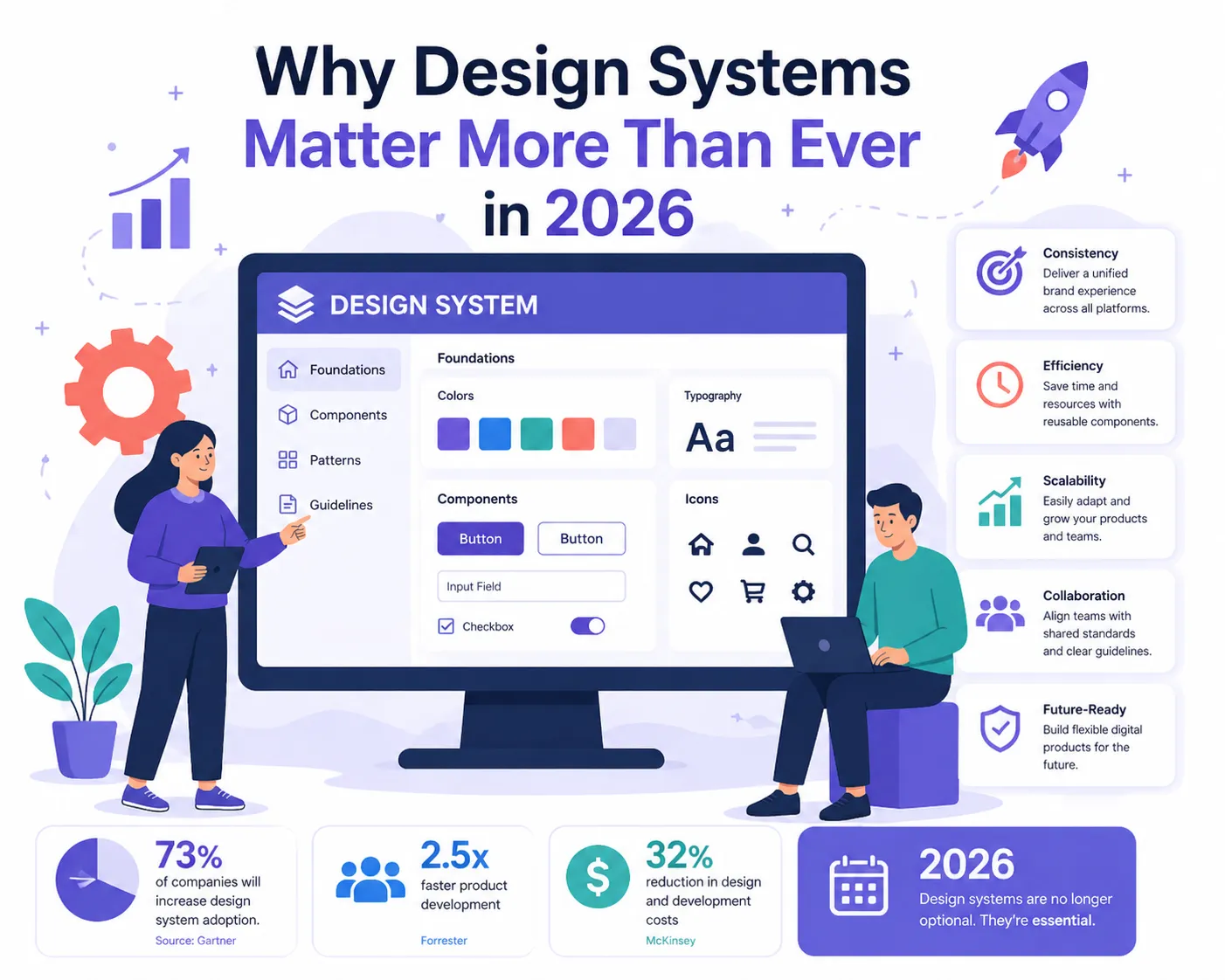
Why Design Systems Matter More Than Ever in 2026
The world of digital has been flipped on its head. Now, users engage with brands across a plethora of touchpoints—mobile applications, websites, wearables, voice interfaces, and AI-based platforms.
It is, however, not easy to maintain consistency in these channels without having a design system.
- Consistency Across All Platforms
With a strong design system, you don’t need to worry about how your brand will look or feel everywhere. Regardless of whether a user visits your website or an app, the use case should be consistent.
Consistency builds trust. And trust drives conversions.
- Faster Development Cycles
Teams are able to reuse existing components, rather than rebuilding from scratch every time.
This leads to:
Reduced development time
Faster product launches
Lower costs
To clarify: use of structured modularity together with something like a PrestaShop HTML box in eCommerce gives you tools to rapidly enable developers to implement consistent UI blocks without reinventing the wheel.
- Improved Collaboration
Silos exist between designers, developers, and marketers. This is where a design system comes in.
It helps in minimizing any miscommunication and mistakes since everyone is working from the same guidelines.
- Scalability
As you grow, so does your product complexity.
Using a design system enables you to scale efficiently without sacrifice.
Managing 500+ product pages in the absence of a system is going to be sheer madness.
- Better User Experience
Conformance leads to familiarity, and familiarity means better usability.
Users don’t get a refresher in how your interface works when they go to another part.
Core Elements of a Design System
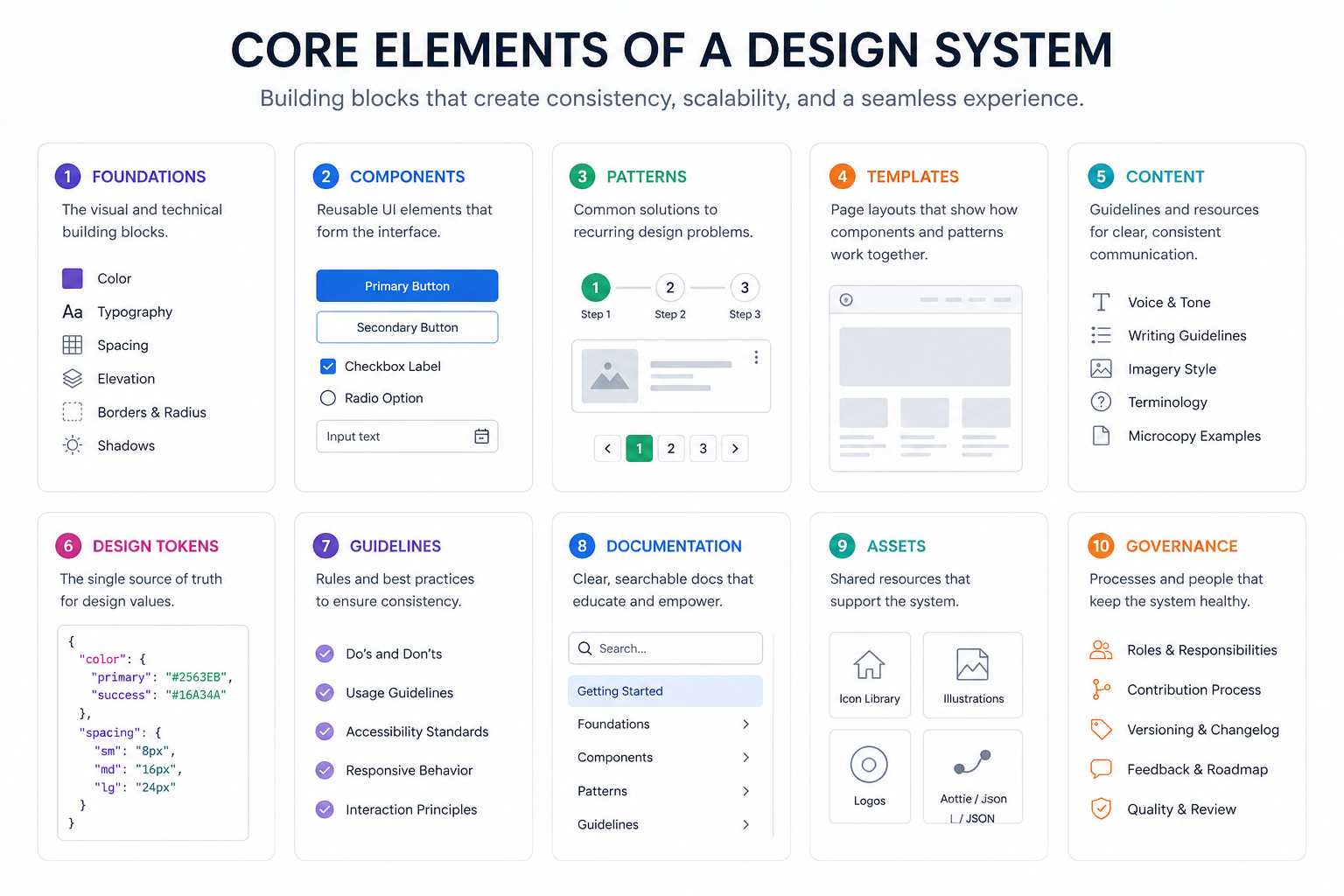
In order to make sense of design systems, it’s helpful to dissect them into their fundamental elements.
These are the smallest pieces—colors, typography, spacing, shadows.
Example:
- Primary color: #FF5733
- Font size: 16px
- Spacing unit: 8px
These tokens help to maintain consistency throughout the system.
Reusable elements like:
- Buttons
- Navigation bars
- Forms
- Cards
And for each component, it is standardized and well-documented.
Patterns are component combinations that help solve generic design problems.
Example:
- Checkout flow
- Login forms
- Product display layouts
- Documentation
A design system is nothing without documentation.
Having clear guidelines ensures that all team members know how and when to use each component.
- Code Integration
Contemporary design systems are closely coupled with development frameworks.
This guarantees that what designers produce is exactly what developers construct.
Design Systems vs Style Guides vs Component Libraries
Many people confuse these terms. Let’s clarify:
- Visual Style Guide- The tool covers explicit things like colors and fonts
- Reuse — Component Library: Collection of reusable UIs
- Design System: Plus Signs + guidelines, documentation, and workflows
A design system is the whole shebang.
How Design Systems Impact eCommerce (Especially PrestaShop)
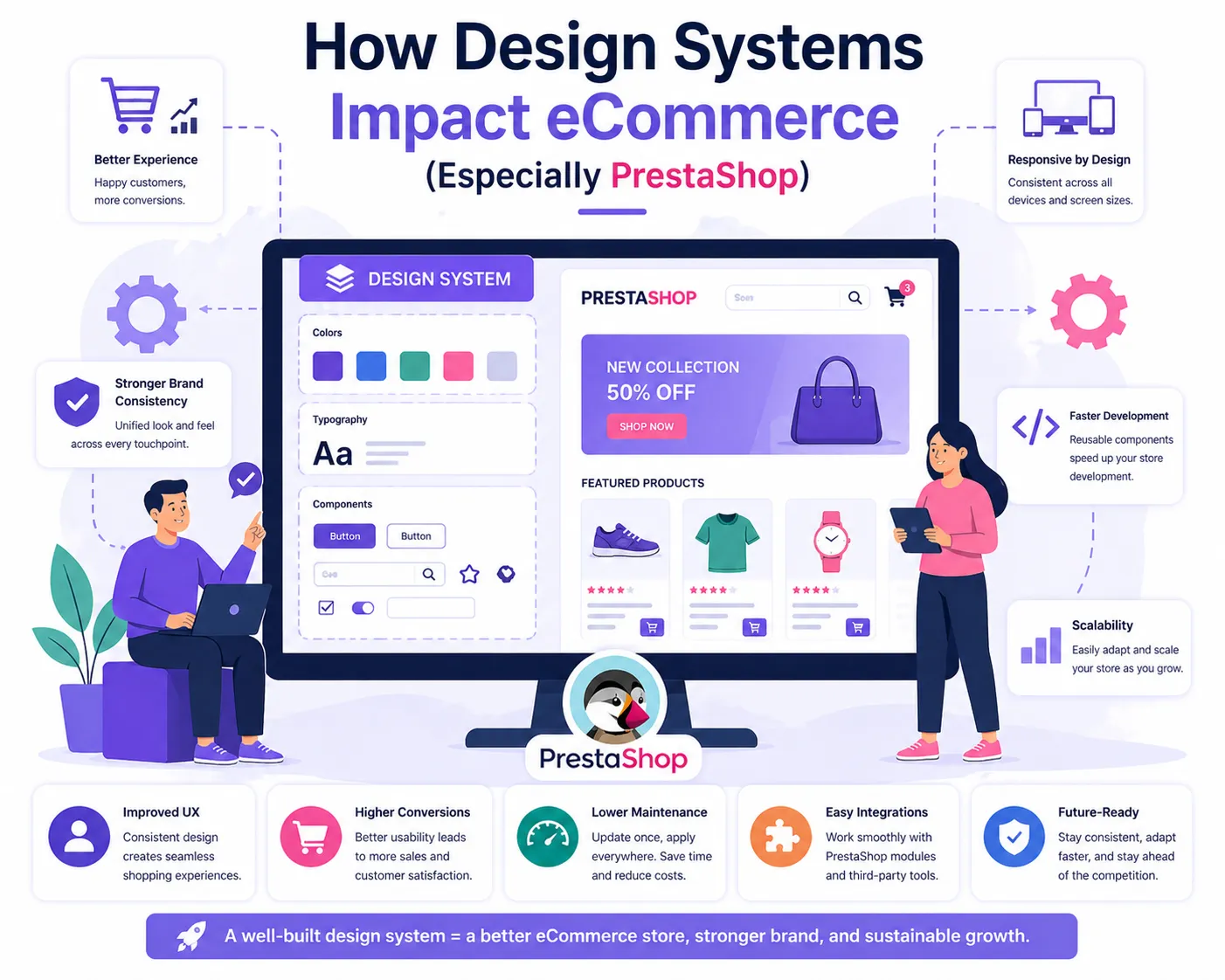
When it comes to eCommerce, the user experience translates directly into revenue.
Here are three scenarios of what a bad interface can cause:
- Cart abandonment
- Low conversion rates
- Poor customer retention
With a design system:
- Product pages remain consistent
- Checkout processes become smoother
- Promotional banners align with branding
PrestaShop Merchants can use structured UI elements in tandem with tools like PrestaShop HTML Box to provide store owners with the components to add their own content blocks, while ensuring a flat look and feel.
For example:
- Adding promotional banners
- Embedding trust badges
- Creating custom landing sections
Sticking to the design system all along.
Real-World Challenges Without a Design System
Come on, we all know the reality—many businesses still do not even have one.
Here’s what usually happens:
- Design Inconsistency
Different teams create different styles.
Result: A messy, unprofessional interface.
- Slower Updates
Each change, we end up rethinking and redesigning the components we build from ground zero.
- Increased Costs
More time = more money.
- Poor Team Efficiency
Instead of creating innovative apps, developers and designers spend time patching up inconsistencies.
Building a Design System: Step-by-Step
Design systems might sound like a huge undertaking, but if approached step by step, is totally doable.
Step 1: Audit Your Existing Design
First, take a look at your existing UI.
Identify:
- Inconsistencies
- Reusable elements
- Design gaps
Step 2: Define Design Principles
What Does Your Brand Stand For?
Examples:
- Minimalistic
- Bold and vibrant
- User-first
These principles shape your design choices.
Step 3: Create Design Tokens
Define:
- Colors
- Typography
- Spacing
And keep them consistent across all platforms.
Step 4: Build Component Library
Start small:
- Buttons
- Forms
- Navigation
Then expand.
Step 5: Document Everything
Clear documentation is critical.
Include:
- Usage guidelines
- Do’s and don’ts
- Code snippets
Step 6: Integrate with Development
Make your components written and reusable.
And this is where designers and developers must work together.
Step 7: Maintain and Evolve
A design system is never “complete.”
It keeps up with your product, user needs, etc.
Trends in Design Systems for 2026
Design systems are evolving rapidly. Here are a few major trends that will characterize their future:
- AI-Assisted Design Systems
AI tools are being used to generate components and recommend design changes.
This certainly speeds up the design process.
- Cross-Platform Systems
Design systems now support:
- Web
- Mobile
- Wearables
- AR/VR
- Personalization at Scale
New systems can change the UI depending on how you use it.
- Accessibility-First Design
Accessibility is no longer optional.
Design systems now include:
- Color contrast standards
- Keyboard navigation
- Screen reader compatibility
- CMS and eCommerce Tool Integration
Systems design-oriented platforms like PrestaShop are heading that way.
Because you can use modules as well as custom HTML, such as the PrestaShop HTML box, businesses are able to keep a consistent design without having to worry about issues when adding dynamic content.
Common Mistakes to Avoid
Design systems are challenging to get right, even for seasoned teams.
- Overcomplicating the System
Start simple. Expand gradually.
- Lack of Adoption
Teams will not adopt a design system if they don’t use it.
Training your team and establishing rules
- Poor Documentation
If it is not captured, it does not exist.
- Ignoring Feedback
Always collect feedback and make the system better.
Benefits for Different Stakeholders
For Designers:
- Less repetitive work
- More focus on creativity
For Developers:
- Faster implementation
- Cleaner code
For Businesses:
- Reduced costs
- Faster time-to-market
- Stronger brand identity
The ROI of Design Systems
Investing upfront with a design system might appear expensive at first, but changing that vision later on holds enormous dividends.
Companies report:
- Develop up to 50% faster cycles
- Significant reduction in design inconsistencies
- Higher conversion rates
In the case of eCommerce, a minor UX enhancement can significantly impact earnings.
Final Thoughts
It is a design system in 2026, no longer a nice thing to have — it became something we need.
Brands that are unable to implement systematic design processes will have trouble with scalability (as they grow), consistency, and UX.
After working as a designer for both global enterprises and fast-growing e-commerce sites, if you are building a design system, then it really has the power to change the way in which you construct & scale digital products.
And if you are working on some platforms like PrestaShop, structure components together with devices, as per say prestashop html box enables you to preserve standardized every little thing and yet adapt the end-user interface (UI) easily.
Brands, not just interfaces of the future, will build systems.