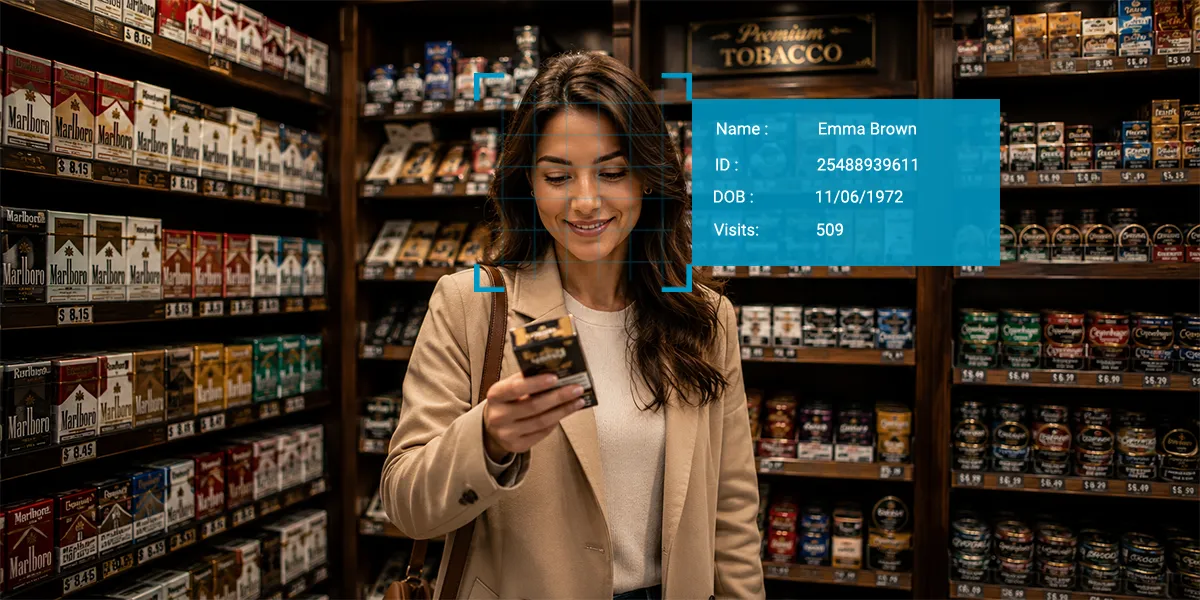
Manual ID checks can become difficult to manage as retailers face evolving age verification requirements. They can also be slower and more susceptible to human error, particularly during busy periods. Identity scanning in retail offers a faster and more consistent way to verify customer information while supporting efficient age verification workflows.
Identity scanning offers retailers a faster, more consistent alternative, with AI-powered document verification that processes IDs in seconds, can be applied automatically at checkout, and creates auditable verification records.
Let’s explore ID scanning, including its challenges, benefits, and best practices.
What Is Identity Scanning in Retail?
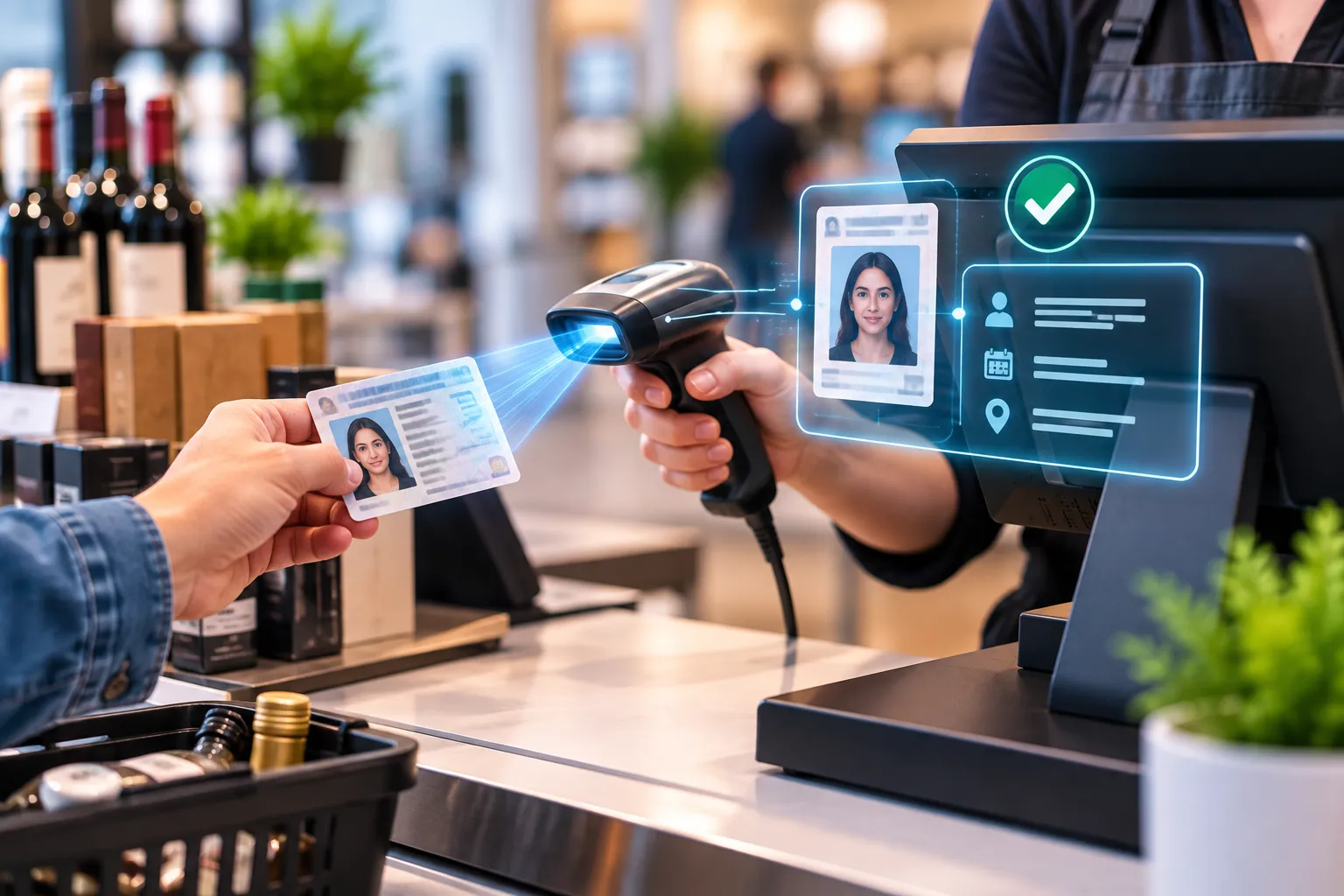
Identity scanning is the process of capturing data from government-issued ID documents using methods such as barcode scanning, magnetic stripe reading, optical character recognition (OCR), or machine-readable zone (MRZ) extraction. Identity verification can then use that information to help determine whether the document and customer meet the required verification criteria.
An advanced retail ID scanner supports all four capture methods across documents from multiple countries, delivering high accuracy with real-time verification results at both the point of sale (POS) and digital checkout.
Challenges of Identity Scanning in Retail
Using identity verification technology in the retail industry involves operational and legal considerations that retailers must address.
1. Privacy and Data Security
Identity document scanning captures personal data like names, dates of birth, and document numbers that must be used and stored as per privacy laws.
2. Regulatory Compliance Requirements
Retail identity verification systems must meet jurisdiction-specific requirements, like age thresholds, acceptable document types, and recordkeeping obligations, among many.
3. Document Quality and Verification Issues
Low-resolution captures, worn documents, or poor lighting during identity scanning can reduce extraction accuracy. Retailers should establish minimum capture-quality guidelines.
4. Employee Training and System Adoption
A POS ID scanner is only effective when employees use it consistently. If staff skip scans on busy days, the system cannot provide the same level of consistency or oversight.
5. POS System Integration Challenges
An age verification scanner separate from the POS creates two separate systems at checkout. Hence, a POS-integrated scanner is recommended for smooth processing.
6. Customer Privacy and Trust Concerns
Customers are reluctant to share personal details. Clear communication about how retail identity verification data is used, stored, and protected builds trust.
7. Implementation Costs and Operational Considerations
Initial setup for a retail ID scanner solution can include hardware, software licensing, integration work, and staff training, making these important upfront considerations.
Why Are Retailers Adopting Identity Scanning
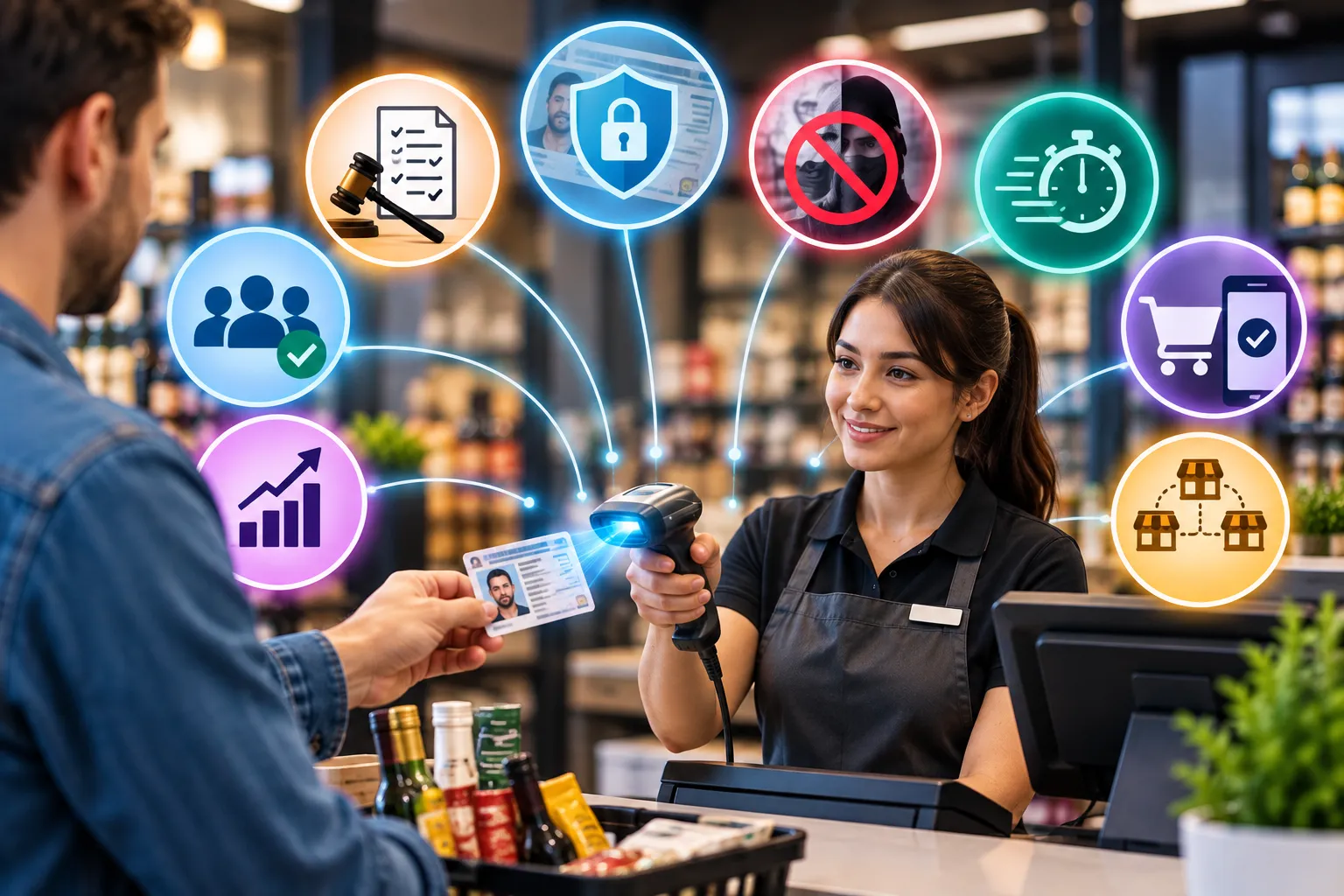
Retail age verification expectations have evolved significantly as manual checks are no longer a reliable compliance strategy.
- Increasing age verification requirements: Evolving age verification requirements are prompting retailers to look for more consistent ways to verify IDs and document verification activity.
- Growing fraud and identity misuse: Identity fraud and misuse are prompting retailers to consider automated ID verification that can help detect anomalies human reviewers may miss.
- Need to reduce human error at checkout: Staff-dependent checks produce inconsistent results. The same ID may pass and fail on different shifts.
- Faster customer experiences: A POS ID scanner processes verification in seconds, faster than manual inspection during peak hours.
- Increasing demand for digital and automated retail workflows: Integrating identity document scanning into POS and ecommerce platforms reduces manual steps, smoothing the process across every touchpoint.
- Better consistency across multiple store locations: A centralized identity verification technology incorporates the same verification standards, eliminating variability across multi-store chains.
7 Benefits of Identity Scanning for Retailers
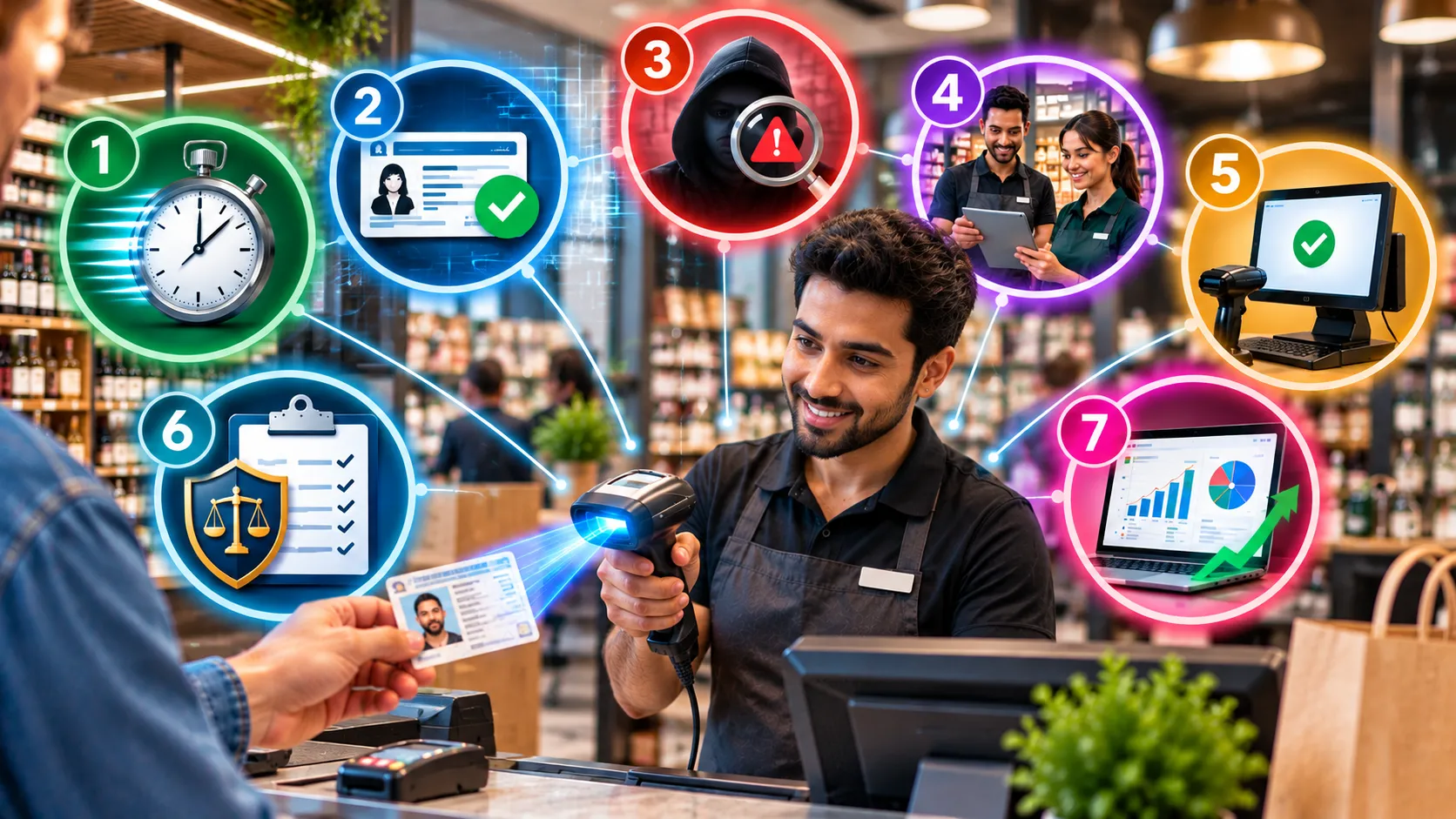
Retail fraud prevention and compliance efficiency are the two headline outcomes, but identity scanning delivers across seven specific operational dimensions.
1. Speed Up Transactions
A modern retail ID scanner can complete verification in under 60 seconds, keeping checkout lines moving during high-traffic periods without sacrificing compliance accuracy.
2. Increase Data Accuracy
OCR and barcode extraction can reduce manual transcription errors while producing structured data from each scan.
3. Detect and Prevent Fraudulent IDs
An advanced AI feature analyzes scanned documents for formatting anomalies, altered fields, and security feature integrity, flagging fake or tampered IDs.
4. Minimize Employee Verification Errors
Automated ID verification removes the subjective judgment call from the compliance process. Staff follow consistent, system-enforced workflows.
5. Create Faster, Smoother Sales Operations
When identity scanning integrates with POS, the verification step fits naturally into the existing checkout workflow, offering customers a more guided process.
6. Strengthen Retail Compliance
Every identity verification generates a timestamped verification record, giving retailers documentation that can support compliance and internal auditing.
7. Gain Actionable Verification Insights
The ID verification platform’s back-office dashboard tracks verification outcomes, document types, pass/fail rates, and flagged attempts, giving retailers operational intelligence that manual logbooks cannot generate.
Best Practices for Implementing Identity Scanning in Retail Stores
Successful identity scanning requires a thoughtful approach to implementation, security, employee training, and compliance.
1. Select a Scanner That Supports the Required ID Types
A modern retail ID scanner supports barcode, OCR, MRZ, and magnetic stripe capture, ensuring compatibility with various ID documents.
2. Prioritize Real-Time Identity Verification
Choose a POS ID scanner that returns a verification result in seconds, not one that queues results for batch processing, delaying the process.
3. Integrate Identity Scanning with Your POS System
Ideally, the platform should integrate with POS and ecommerce systems, triggering retail age verification when an age-restricted product is scanned.
4. Apply Data Minimization Practices
Collect only the required data for specific verification, like date of birth and document validity for retail age verification, full data for KYC compliance, and so on.
5. Protect and Secure Customer Identity Data
Platforms store verified customer identity data with advanced encryption and access controls, ensuring identity document scanning records are protected.
6. Implement a Consistent Store-Wide Verification Policy
Design and enforce clear policy, specifying which transactions require identity scanning, acceptable documents, and an exact refusal protocol on failed verification.
7. Keep Your Identity Verification System Regularly Updated
Identity verification technology should stay current with document format changes, regulatory updates, and evolving fraud techniques to help maintain verification accuracy.
Conclusion
Identity scanning in retail gives businesses a faster, more consistent, and more defensible alternative to manual ID checks, helping automate compliance at the point of sale while generating verification records that can support compliance and internal auditing.
Deploying an advanced retail ID scanner effectively means prioritizing POS integration, data security, employee training, and privacy compliance from day one, turning verification from a liability into a managed, scalable operational standard.