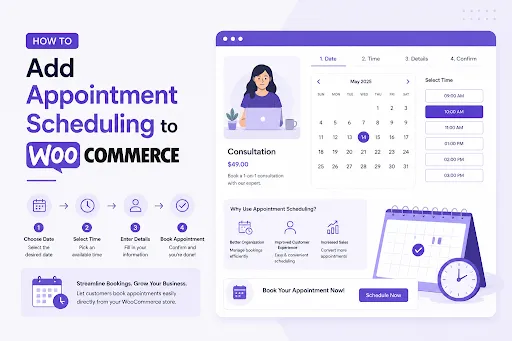
Although selling products through WooCommerce is fairly straightforward, things tend to become a little more complicated when customers need to reserve a specific date or time. A person might want to book a consultation next Friday. Someone else may need a haircut appointment on Saturday morning. Meanwhile, another customer could be looking to reserve a rental item for three days starting next week.
The problem is that WooCommerce was originally built to sell products, not manage schedules. Because of that, many store owners eventually reach a point where spreadsheets, emails, and manual scheduling start creating more work than they save.
This is where you can use the help of the booking for WooCommerce plugin.
By adding a booking system to your store, customers can choose available dates, reserve appointments, make bookings, and receive confirmations without requiring you to manually coordinate every reservation.
Why Appointment Scheduling Matters
One thing we noticed while working with booking-based businesses is that customers expect instant answers.
They do not want to send an email asking if a slot is available and then wait several hours for a reply. Most people simply want to visit a website, see available dates, select a time, and complete their reservation immediately.
Without appointment scheduling, store owners often deal with:
- Double bookings
- Manual calendar management
- Endless email conversations
- Scheduling conflicts
- Missed reservations
As bookings increase, these issues become harder to manage.
Adding WooCommerce bookings creates a much smoother experience for both customers and administrators because availability is displayed automatically and reservations are handled directly through the store.
What Types of Businesses Need WooCommerce Appointment Scheduling?

A common misconception is that booking systems are only useful for hotels. In reality, appointment scheduling can be used for many different types of businesses.
For example:
- Medical clinics
- Salons and barbershops
- Consultants and coaches
- Car rental businesses
- Equipment rentals
- Hotels and guest houses
- Photography services
- Training classes
- Repair services
- Tutors and educators
In many of these situations, customers are not purchasing a physical product. Instead, they are reserving a time slot, service, room, or resource.
That is exactly where booking for WooCommerce becomes useful.
Different Types of Bookings Require Different Approaches
Not every business schedules appointments in the same way.
A consultant might need hourly appointments.
A hotel typically works with overnight stays.
A rental company could allow bookings that last several days.
What we found is that flexibility becomes one of the most important requirements when choosing a booking solution.
The Booking and Appointment plugin by Extendons approaches this by providing three booking methods rather than forcing every business into a single structure.
Advance Booking
Advanced booking works well when customers need to reserve something for a defined duration.
Examples include:
- Hotel reservations
- Vacation rentals
- Vehicle rentals
- Equipment rentals
Customers can select booking dates while the system automatically calculates pricing based on the configured rules.
Simple Booking
Sometimes businesses do not need a complicated scheduling process.
They simply want customers to choose a date or a date and time combination.
For these situations, the simple booking option keeps the reservation process clean and easy while still providing booking controls and availability management.
Appointments
Appointments are designed for businesses that operate with specific schedules and time slots.
This includes:
- Doctors
- Consultants
- Therapists
- Personal trainers
- Beauty salons
Customers can select available appointment slots while administrators maintain complete control over schedules.
Setting Up Appointment Scheduling in WooCommerce
The actual setup process is surprisingly straightforward.
After installing the plugin, create or edit a WooCommerce product and change the product type to a bookable product.
From there, appointment settings become available.
You can configure:
- Slot duration
- Appointment pricing
- Available schedules
- Staff assignments
- Break times
- Off days
Once configured, customers can begin selecting appointment dates directly from the product page.
Create Flexible Appointment Schedules
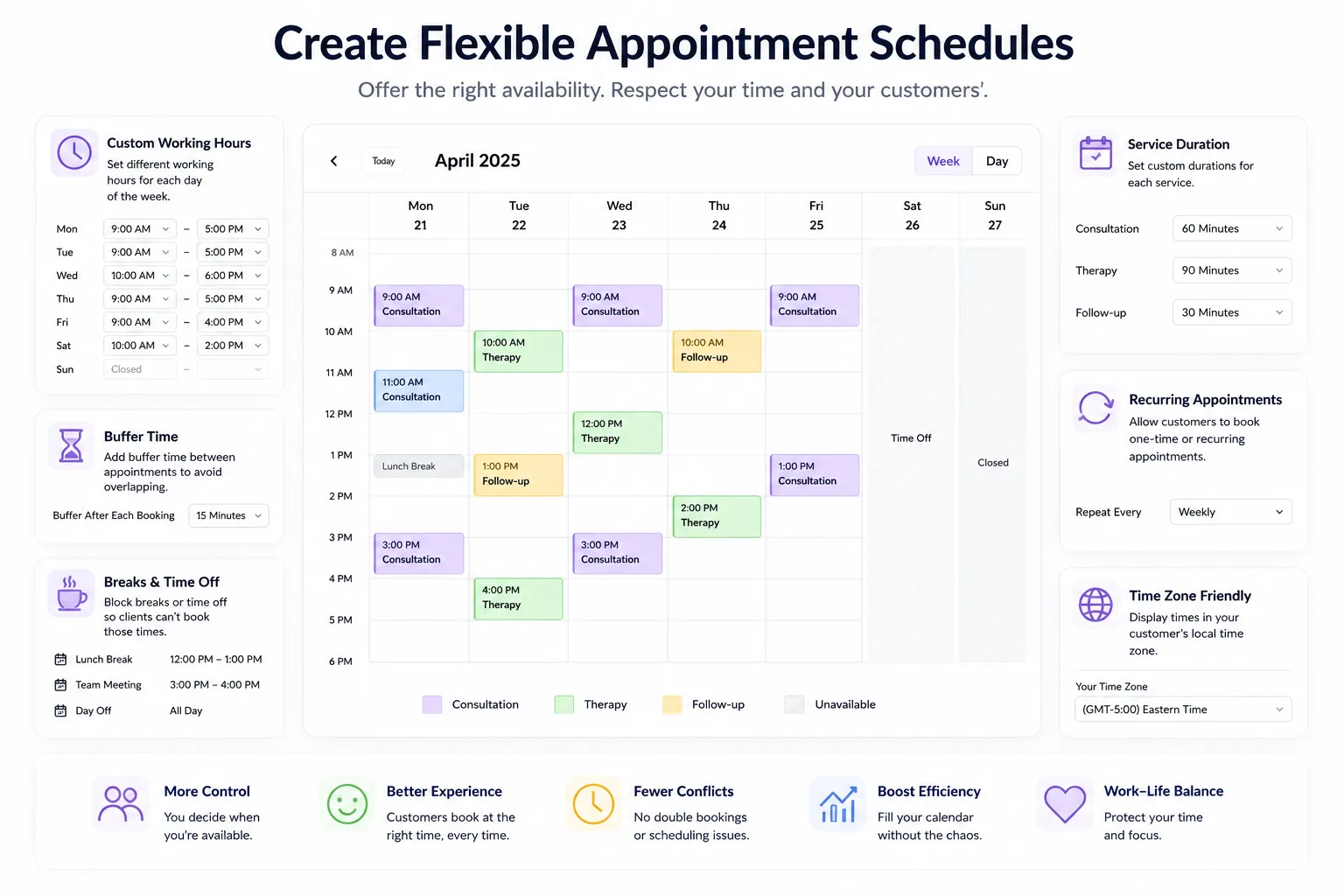
One challenge many businesses face is that availability rarely stays the same every day.
For example, a consultant may work longer hours on weekdays but shorter hours on weekends.
The appointment system allows you to create weekly schedules by defining:
- Working days
- Available hours
- Slot durations
- Daily availability
This makes scheduling much easier because customers only see slots that are actually available.
Add Breaks Between Appointments
Back-to-back appointments might look efficient on paper, but in practice they often create problems.
Perhaps a staff member needs time to prepare for the next customer. Maybe equipment needs to be cleaned. In some cases, a short break is simply necessary.
The plugin allows administrators to add buffer periods between appointments so schedules remain realistic and manageable.
Rather than filling every minute of the day, you can build breathing room directly into the booking calendar.
Assign Staff Members to Appointments
Another feature that becomes important as a business grows is staff management.
Instead of assigning every booking to a single schedule, you can create multiple staff profiles with their own:
- Availability
- Working hours
- Break schedules
- Appointment pricing
- Slot durations
Customers can even select their preferred staff member during booking.
For businesses that rely on specialists, consultants, trainers, or technicians, this can significantly improve scheduling accuracy.
Offer Additional Services During Booking
A booking often involves more than just reserving a date.
Hotels may offer breakfast packages.
Rental companies might provide insurance options.
Service businesses could offer premium upgrades.
The plugin allows additional services to be included during the reservation process either as free options or paid add-ons.
This creates a better customer experience while also opening additional revenue opportunities.
Adjust Pricing Based on Real Booking Conditions
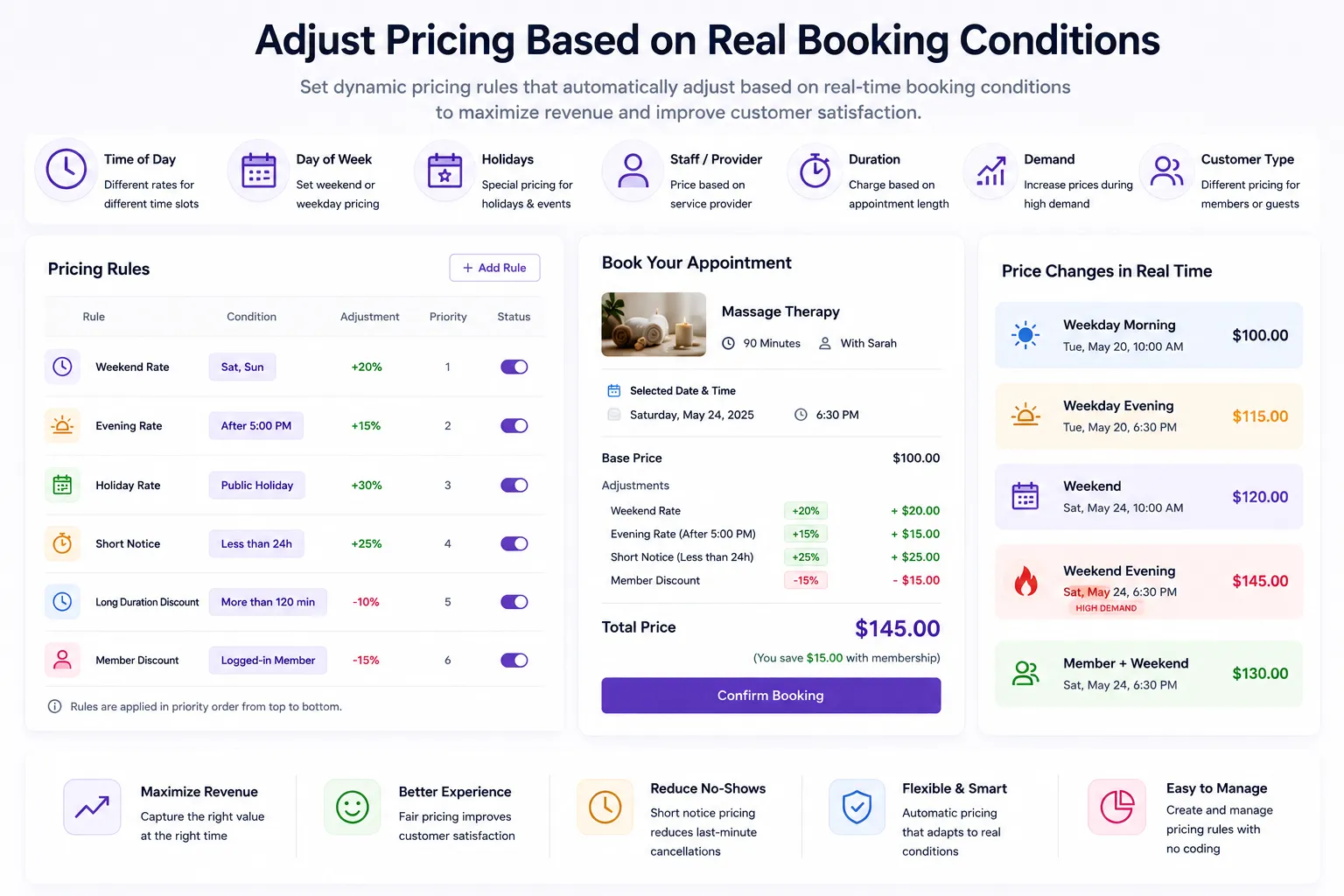
One feature that many businesses eventually need is dynamic pricing.
Not every customer should necessarily pay the same amount.
For example:
- Adult pricing may differ from child pricing.
- Peak season rates may be higher.
- Certain room types may cost more.
- Larger bookings may require different pricing.
The plugin allows pricing adjustments based on booking conditions so costs can be calculated automatically rather than manually.
For businesses handling large numbers of bookings, the WooCommerce bookings can save a considerable amount of administrative work.
Manage Everything Through a Booking Calendar
As reservations begin increasing, keeping track of everything becomes difficult.
This is where the built-in booking calendar becomes useful.
Administrators can view:
- Upcoming bookings
- Past reservations
- Appointment schedules
- Available dates
- Reserved slots
Instead of checking multiple systems, everything can be managed from a single location.
Keep Customers Updated Automatically
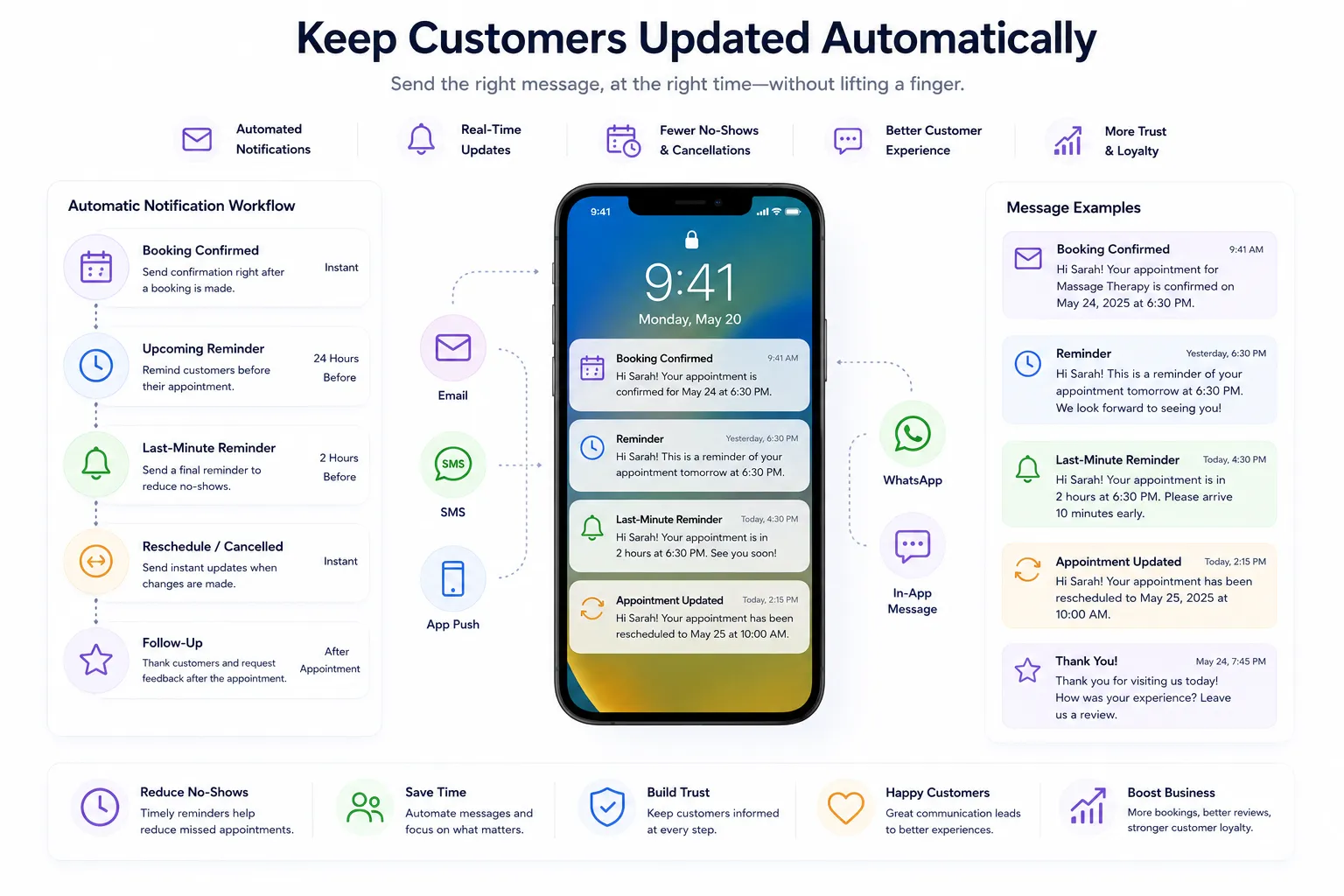
One thing customers appreciate is knowing exactly what is happening with their reservation.
The plugin automatically sends booking notifications and confirmations so customers remain informed without requiring manual follow-up.
These automated emails can be customized and scheduled according to your business requirements.
As a result, communication remains consistent while reducing administrative workload.
Final Thoughts
At first, appointment scheduling may seem like a small addition to a WooCommerce store. In reality, it often becomes one of the most important systems for businesses that rely on reservations, consultations, rentals, or scheduled services.
Without a proper booking solution, managing availability usually turns into a mixture of emails, spreadsheets, calendars, and manual updates. That approach may work for a handful of reservations, but it quickly becomes difficult once bookings start increasing.
This is why many businesses eventually turn to booking for WooCommerce solutions that automate scheduling, pricing, confirmations, and availability management.
The Booking and Appointment plugin by Extendons provides support for appointments, rentals, accommodations, and reservations while giving businesses the flexibility to manage schedules, staff, services, pricing rules, and customer bookings from one centralized system.For stores looking to implement WooCommerce bookings without relying on custom development, it provides a practical way to handle the entire booking process directly inside WooCommerce.