A practical look at what’s actually changed, which tools are worth trying, and how to get results that don’t look like an AI made them.
Video editing has always leaned on a mix of technical skill, patience, and a working knowledge of specialized software. A lot of an editor’s time goes into things that aren’t especially glamorous — combing through footage, picking out the clips worth keeping, arranging scenes, adding captions, balancing audio levels, smoothing out transitions. AI is starting to change that picture by letting creators say what they want in plain language, and letting automated workflows handle part of the execution.
That doesn’t mean traditional editing skills are becoming obsolete. What’s really happening is that AI is opening up another way into video production — particularly useful in the planning stage and for putting together that first rough draft.
Traditional Editing vs. AI-Assisted Editing
The honest version, side by side, before the theory:
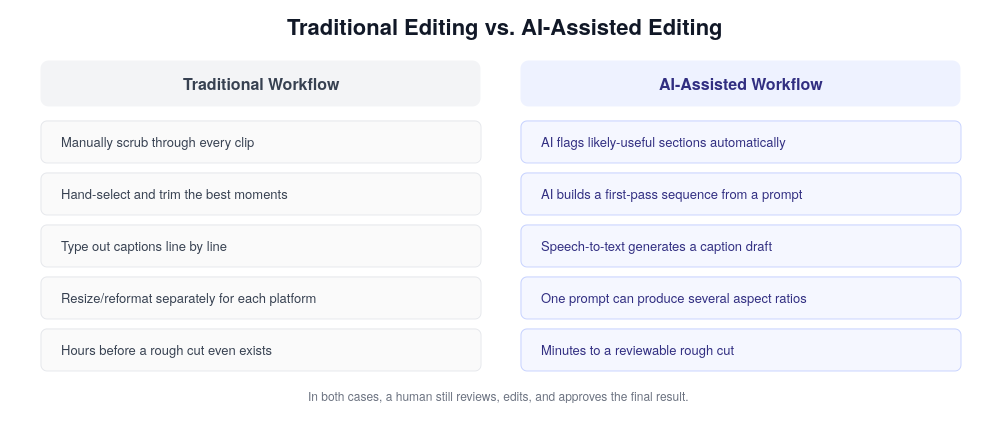
Figure 1. Where AI actually removes steps — and where a human still has to step in.
From Manual Timelines to Talking It Through
Traditional editing lives and dies by timelines, menus, and countless individual adjustments. An editor might spend ten minutes finding the right section of footage, cutting it, dragging it into place — then repeating that same process dozens of times across a project.
AI-assisted workflows take a real bite out of that repetition. Instead of explaining every move through interface commands, a user can just describe the outcome: pull the strongest moments out of these clips, cut the dead air, keep the whole thing short and energetic.
That shift makes editing feel more like a conversation than a technical exercise. It also opens the door for people without much editing experience to start experimenting, without needing to learn every function of a professional application first.
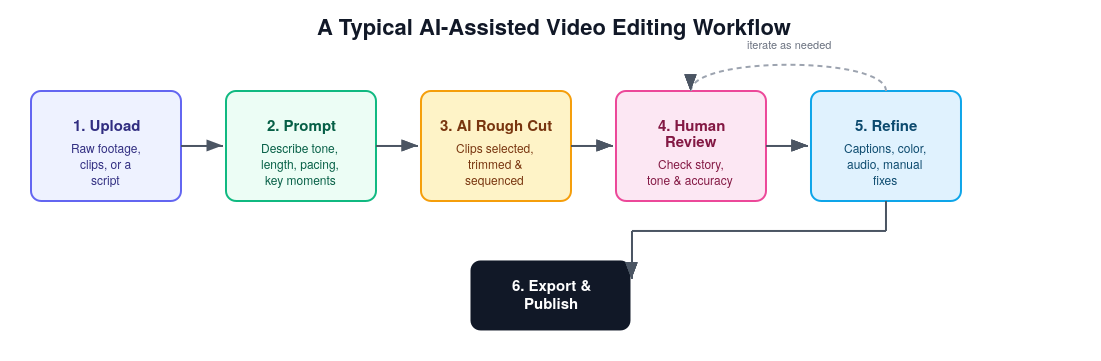
Figure 2. The general shape of an AI-assisted edit, from upload to export.
Popular AI Video Editing Tools Worth Knowing
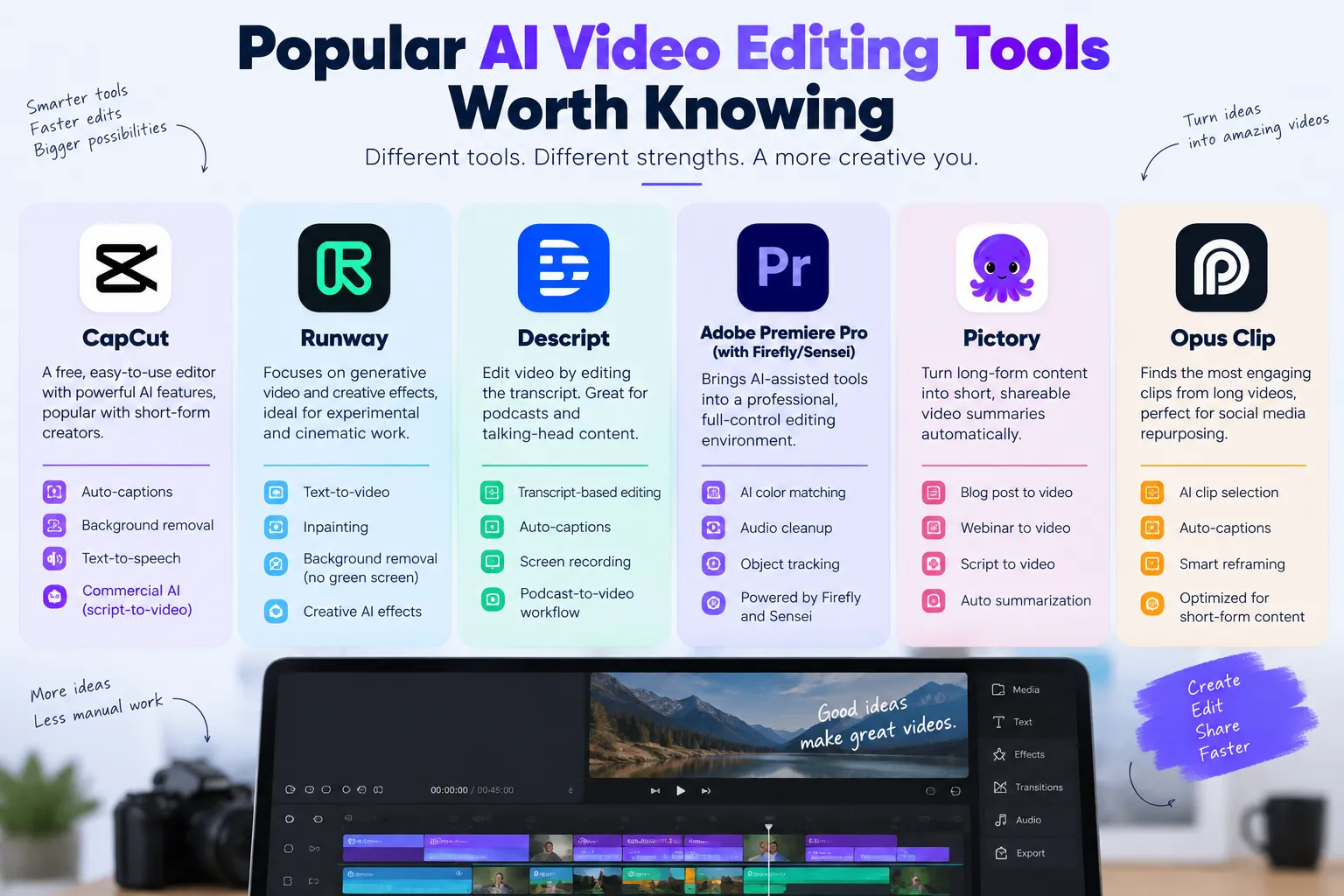
“AI video editor” isn’t one product — it’s a feature set that’s shown up across a lot of different tools, each with its own strengths. A few worth knowing:
- Runway – leans into generative video and effects — text-to-video, inpainting, green-screen-free background removal — aimed more at experimental and cinematic work than quick social cuts.
- Descript – edits video by editing the transcript. Delete a sentence in the text, the matching video gets cut. Strong for podcast-to-video and talking-head content specifically.
- Adobe Premiere Pro (with Firefly/Sensei features) — brings AI-assisted color matching, audio cleanup, and object tracking into a traditional, full-control timeline editor. A fit for people who already know Premiere and want AI layered on top, not replacing it.
- Pictory – turns long-form content (blog posts, webinars, scripts) into short video summaries automatically. Aimed at repurposing existing content rather than editing raw footage.
- Opus Clip – takes a long video (a podcast, a stream, a talk) and finds the clips most likely to work as short-form social content, complete with auto-captions and reframing.
None of these replace the others completely — a team doing short-form social content, cinematic work, and podcast repurposing might genuinely use three different tools for three different jobs. Worth actually trialing the free tier before committing a workflow to any one of them.
Where AI Genuinely Saves Time: The Repetitive Stuff
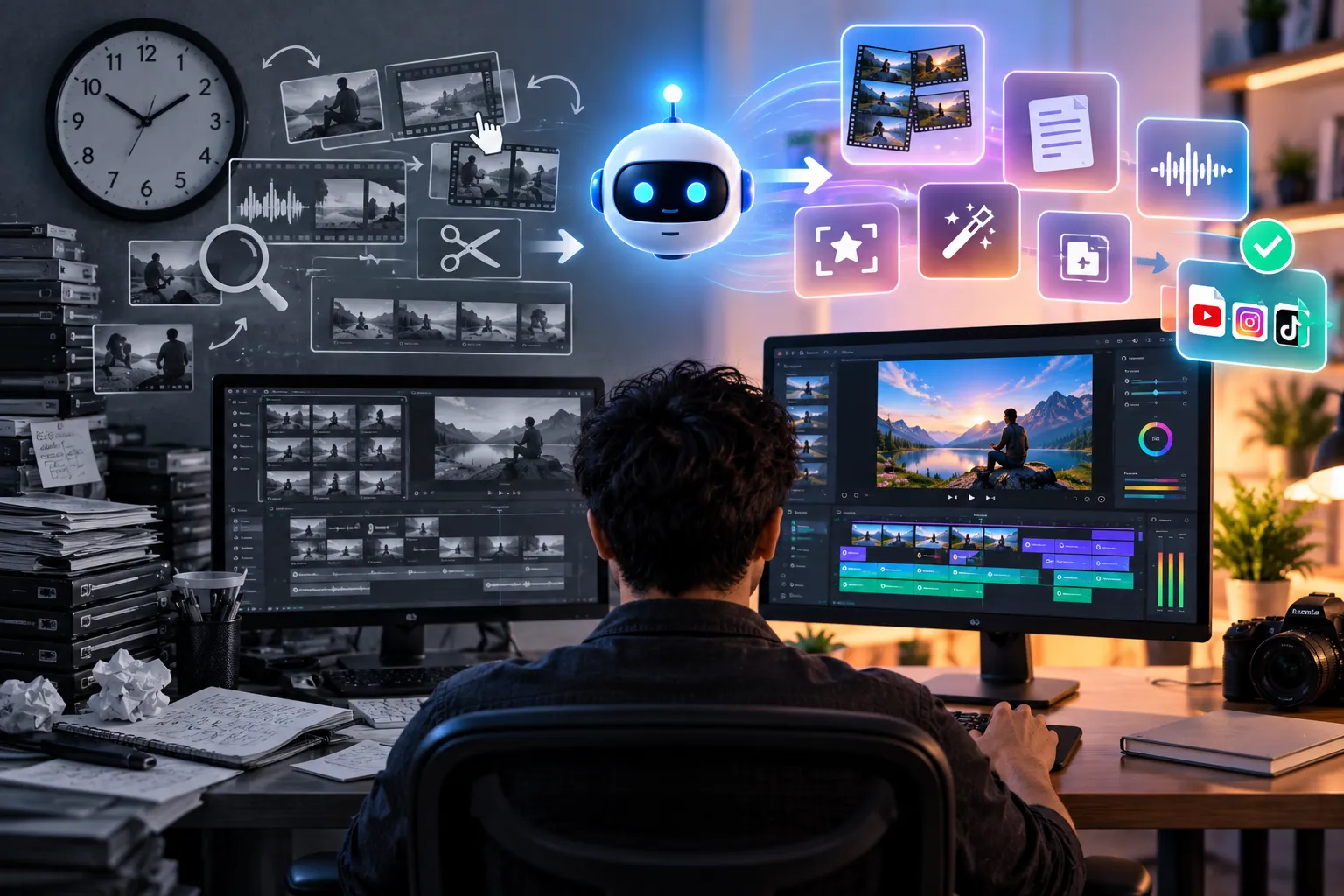
Not everything in editing is creative — a lot of it is just repetitive. Preparing captions, basic scene organization, hunting through footage for useful sections, reformatting content for different platforms — all of it eats time without necessarily requiring much judgment call.
This is where AI tools have found a natural fit. Speech recognition pulls captions straight out of dialogue. Automated analysis flags potentially useful sections in a long recording. Some systems even reshape content for different aspect ratios or platforms without starting from scratch each time.
How useful any of this is really comes down to accuracy. Captions can misspell names or mishear words. Automated scene selection can miss what actually made a moment important in the first place. Editors still need to go back and check the output rather than trusting every AI suggestion at face value.
Better Prompts Lead to Better Edits
Editing through natural language brings its own skill along with it — learning to write instructions that are actually precise.
“Make this video better” doesn’t give an AI system much to work with. A more useful instruction lays out the intended audience, how long the final piece should run, the pacing, which clips matter most, what the captions need to look like, and what format it all needs to end up in.
Someone editing an educational video might specify that the intro stays brief, explanations stay easy to follow, dead pauses get trimmed, and key terms show up as readable text on screen. The more context an instruction carries, the better the AI has to work with — and the easier it is to tell afterward whether the result actually hit the mark.
Best Practices for Working With an AI Video Editor
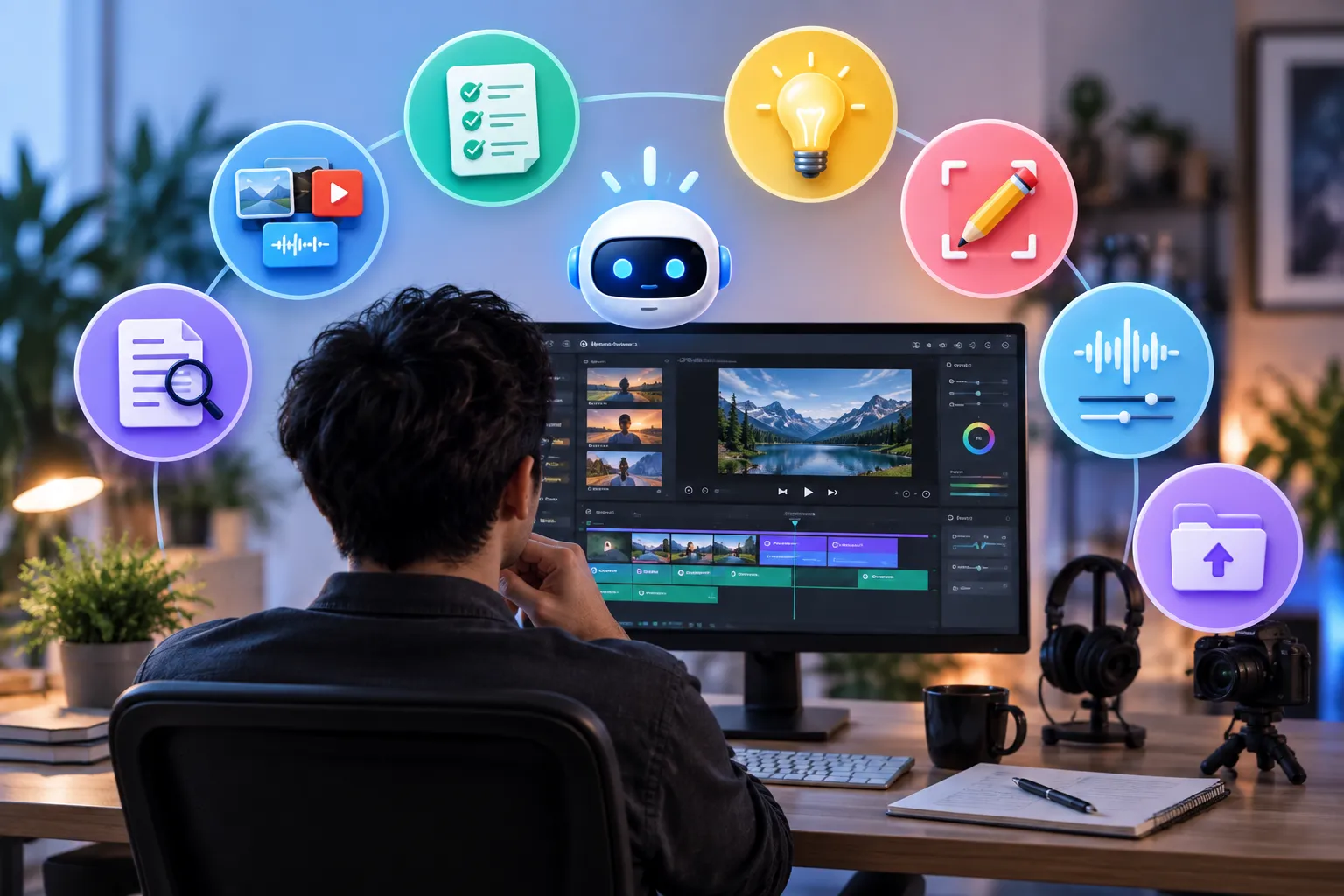
- Start with a one-line brief. Audience, goal, and length, before anything else — it shapes every later step.
- Feed it your best footage, not everything. AI tools work faster and more accurately with a curated batch than a dump of every take.
- Iterate in small steps. Change one instruction at a time (pacing, then captions, then framing) rather than rewriting the whole prompt after each pass.
- Review before you refine. Watch the full rough cut once, start to finish, before making any adjustment requests.
- Keep a human editing pass in the loop. Even a five-minute manual check catches the awkward cut or mistimed caption an algorithm won’t flag.
- Match the tool to the job. A transcript-based editor suits talking-head content; a generative tool suits experimental visuals. Using the wrong one just adds friction.
- Save your prompts that worked. A reusable prompt template saves real time on the next similar project.
Why Human Creativity Still Carries the Weight
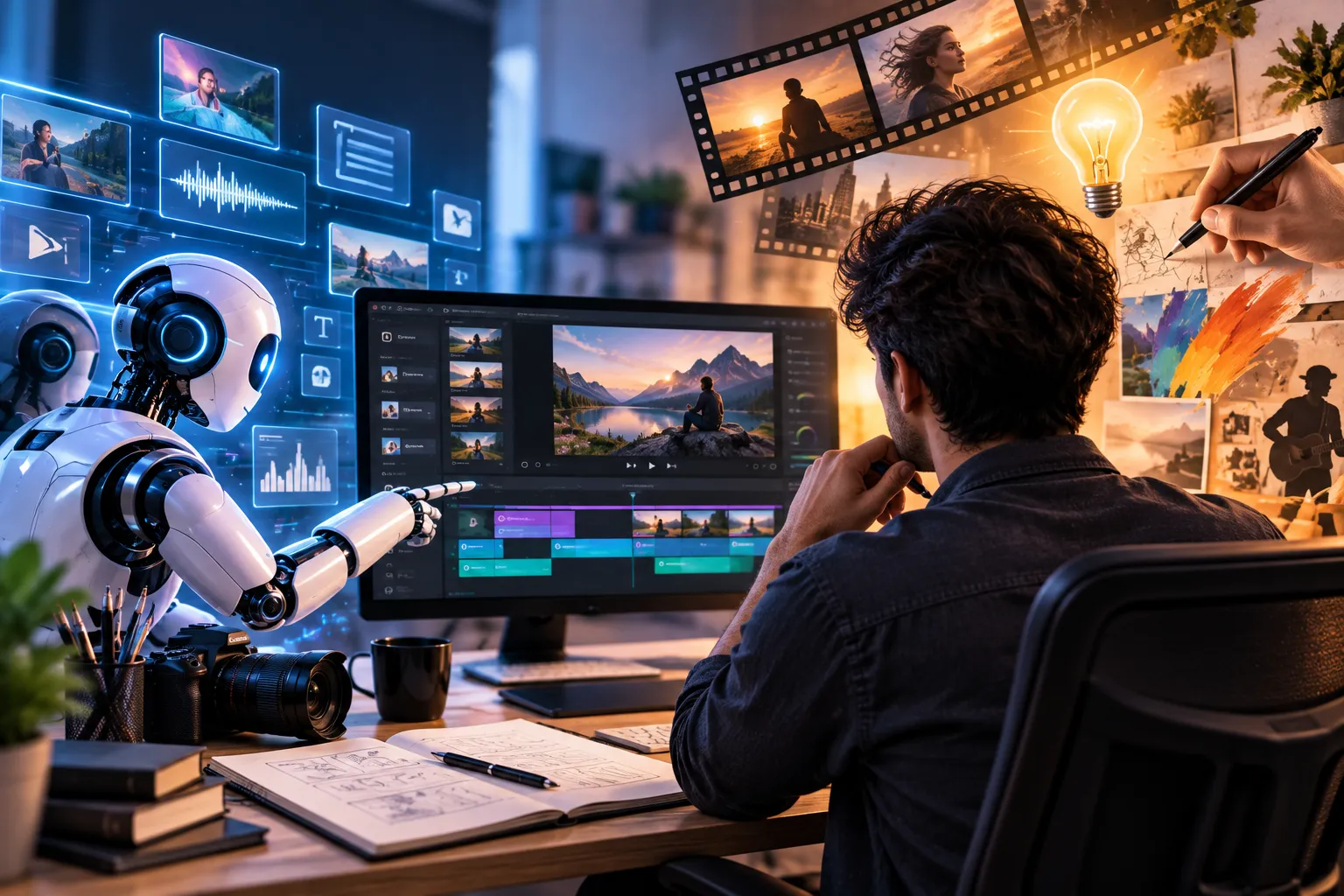
For all the progress in AI video tools, creative judgment hasn’t gone anywhere. An AI system is good at recognizing patterns and following instructions, but storytelling often comes down to context and small, subtle decisions that aren’t easy to spell out as rules.
An experienced editor might leave a pause in deliberately, because it lands emotionally. A shot that looks unnecessary on its face might actually be carrying important context. A slightly odd cut can be exactly what makes a joke work.
That kind of judgment doesn’t reduce neatly to instructions. It’s part of why AI-assisted editing is better thought of as a collaboration than a replacement — the AI handles the mechanics, the person still owns the storytelling.
Do’s and Don’ts for Better Results
| Do | Don’t |
| Write a specific prompt: audience, length, pacing, key clips, format. | Type “make this video better” and expect a usable result. |
| Treat the AI rough cut as a first draft to review, not a final export. | Publish an AI-generated cut without watching it start to finish. |
| Double-check auto-captions for names, jargon, and misheard words. | Trust automated captions blindly, especially for technical content. |
| Confirm you own or are licensed to use every clip, image, and audio track. | Upload copyrighted footage or music without checking usage rights. |
| Change one instruction at a time when refining a prompt. | Rewrite the entire prompt from scratch after every small issue. |
| Keep a human sign-off step before anything goes public. | Assume the tool understands humor, brand voice, or context on its own. |
Privacy and Copyright Still Need Attention

AI video workflows bring their own set of practical questions about data and intellectual property. Before uploading any footage, it’s worth understanding how a given service actually handles those files — whether anything gets stored, and whether it’s processed by third-party systems along the way.
Copyright hasn’t gone away either. Having an AI help organize or edit footage doesn’t hand anyone automatic permission to use copyrighted music, film clips, photos, or other protected material. That responsibility still sits with the creator, who needs to confirm the source material can legally be used the way they’re planning to use it.
This matters even more for commercial work, anything public-facing, or footage that touches on private or sensitive information.
Where This Is All Headed
AI is likely to keep working its way deeper into everyday editing workflows. The direction is already pretty clear — conversational instructions, automated rough cuts, smarter captions, and help with the repetitive parts of production. There’s also growing movement toward bringing natural-language controls into professional editing environments, not just consumer-facing tools.
The most realistic future probably isn’t fully automated video production. It’s more likely creators will lean on AI to handle the time-consuming prep work while keeping control over storytelling, visual style, accuracy, and final sign-off for themselves.
As these tools mature, the core skill may shift — away from knowing exactly where every function lives in a menu, and toward knowing how to communicate a creative goal clearly. The best results will probably keep coming from a mix of automation and human judgment, not from leaning entirely on either one alone.