Salesforce AI Agent Security is essential for protecting sensitive business data, controlling agent permissions, and preventing unauthorized access to confidential information. What happens if an AI agent accesses records it does not require? How can businesses prevent customers from retrieving confidential information through an agent? Can an agent execute workflows without human intervention? These questions highlight the importance of integrating security measures into Salesforce AI Services.
Through platforms such as Agentforce and the Einstein Trust Layer, Salesforce provides security capabilities for AI-powered workflows. However, organizations must also define agent boundaries, configure permissions, safeguard data, and monitor agent activities. This guide explains how to strengthen Salesforce AI agent security through Zero Trust principles, AI governance, and least-privilege access.
Why Is Top-Level Security Required for Salesforce AI Agents Traditional Salesforce automation typically follows predefined rules. A Flow executes configured steps, while an Apex trigger responds to specific events. However, AI agents introduce additional complexity because they can interpret requests, retrieve information, and initiate actions based on their instructions and available tools. This makes Salesforce AI agent security essential for controlling data access, reducing operational risks, and ensuring that agents perform only authorized tasks.
By implementing Salesforce AI agent security controls, organizations can establish clear responsibilities, restrict unnecessary access, and ensure that agents operate within approved business boundaries.
What Does Zero Trust Mean for Salesforce AI Agents?
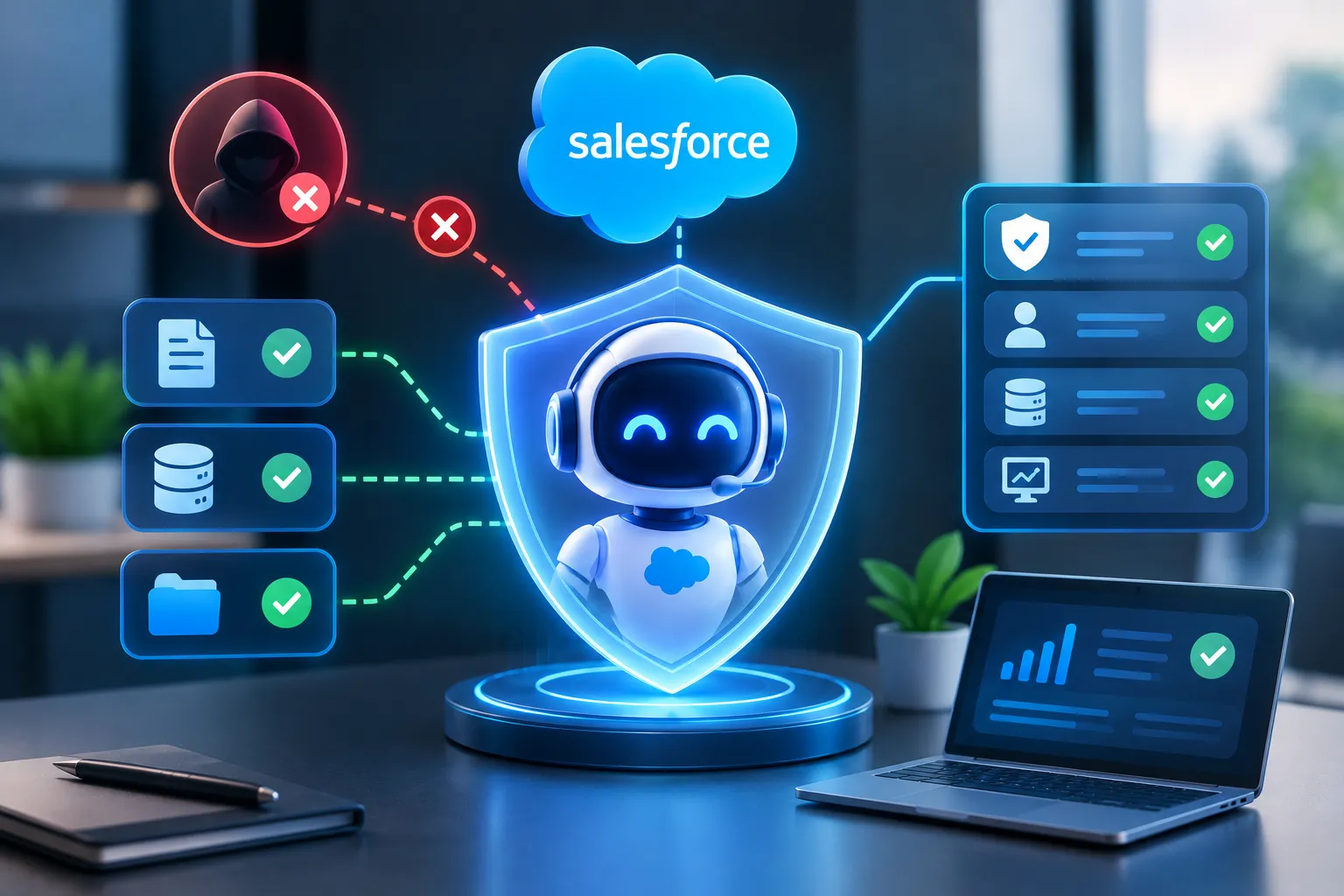
A strong Salesforce AI agent security strategy combines clearly defined roles, traceable identities, policy-based restrictions, and continuous monitoring to reduce the risk of unauthorized actions.
For Salesforce AI agents, this means:
- Restrict the agent’s ability to execute business critical operations
- Do not assume an agent should access every record available in Salesforce
- Monitor operations to identify unwanted and unusual actions
- Confirm the identity and authorization of the individual trying to perform a sensitive action.
However, organizations must configure these controls based on their unique business requirements.
How to Implement Zero Trust for Salesforce AI Agent Security
Not a single security setting, but Zero Trust is an approach that requires organizations to evaluate how agents access data, execute business processes, and interact with users. Here are some ways to apply Zero Trust principles.
- Start with a Clearly Defined Agent Role
Instead of creating an agent that can perform almost any task across Salesforce, organizations should define what it is responsible for and where its responsibilities end. For example, a customer service agent may be designed to:
- Check service cases
- Answer order-related questions
- Escalate refund requests
Defining the agent’s role first makes it easier to determine which permissions, data, and actions it actually requires.
- Use Auditable, Named Identities
You can assign different identities to each agent leveraging Named Credentials or OAuth tokens with limited scopes. Because using a shared identity for all of them can make it difficult to determine which agent performed a specific action.
This is the case when Field Audit Trail enables organizations to always ensure that changes are performed with an ability to trace it back later. For example, the companies will be able to know which AI agent has acted upon the customer’s case, and what time the action has taken place.
- Apply Policies and Guardrails
Using Security Center 2.0, you can enforce MFA, detect anomalies, and restrict login geographies. These controls help organizations identify security and suspicious access patterns across their Salesforce environment.
In addition, Transaction Security Policies can help you limit access for non-business hours, restrict access to sensitive information, and prevent data from being exported in bulk. These policies enable the creation of a controlled environment where AI agents can perform valuable tasks while remaining accountable.
How to Configure Secure Permissions for Salesforce AI Agents
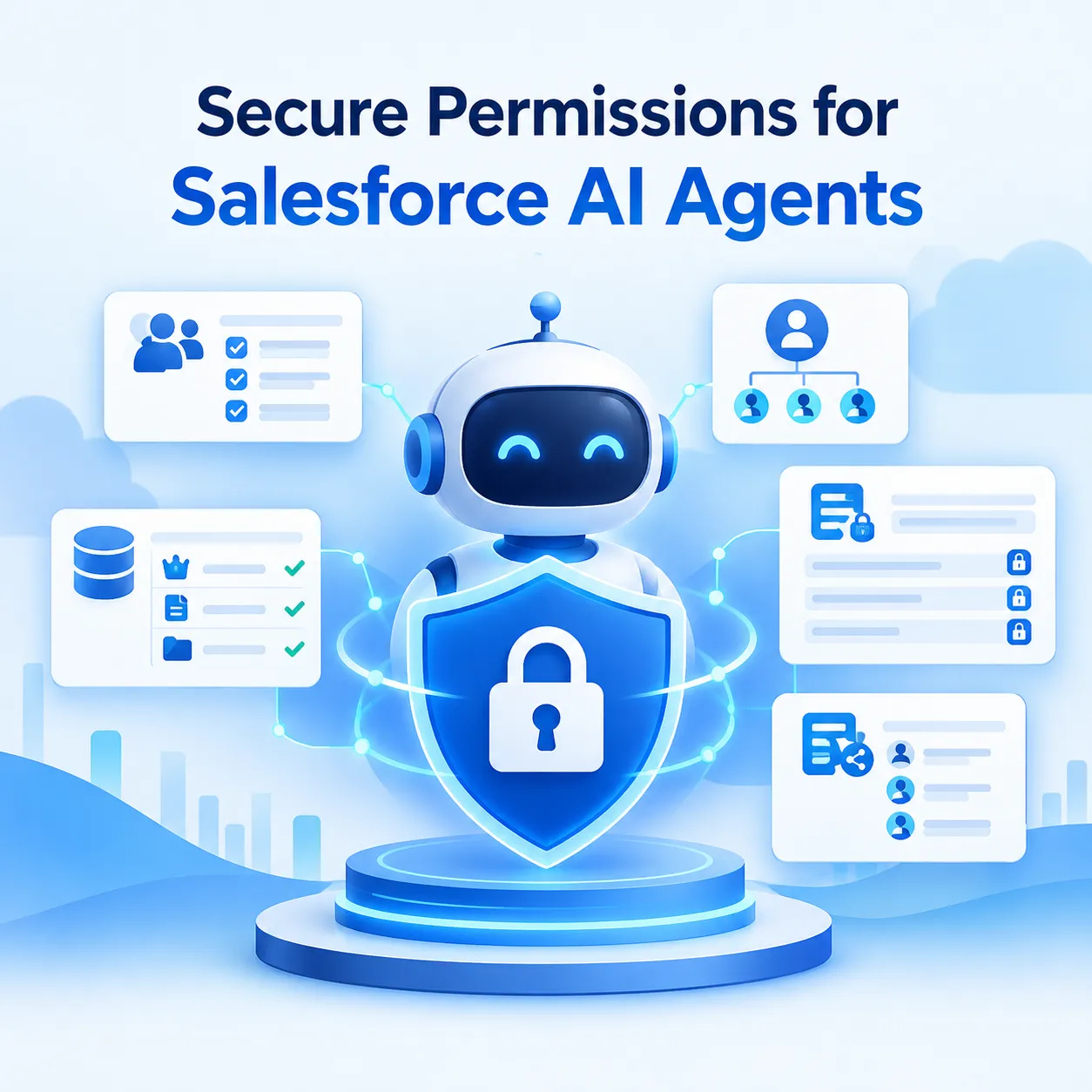
Permission management is a core component of Salesforce AI agent security. Organizations should grant each agent only the access required for its assigned tasks, limit sensitive data exposure, and review permissions whenever its capabilities or connected systems change.
- Utilize Least-Privilege Access
This implies that the AI agent must have only the minimum required access to carry out its functions. For example, an AI agent whose task is to assist customers in tracking their shipment may require access to:
- Order details
- Shipment status
- Delivery related knowledge articles
And it may not need access to:
- Internal financial reports
- Salesforce administration settings
- Employee compensation records
The important consideration is to avoid treating the agent as an all-access user simply because it operates within the CRM.
- Review Permissions When Agent Capabilities Change
As businesses connect with additional data sources, introduce new workflows, and expand an agent’s responsibilities, its permissions may also change. However, adding new capabilities should not mean granting unrestricted access. Organizations should review:
- Which additional fields are required
- Whether new approval or monitoring controls are necessary
- Which new records it needs
Regular permission reviews enable the prevention of AI agents from expanding beyond the agent’s actual responsibilities.
- Review Object-Level Permissions and Field-Level Permissions
In one customer record, there may be billing information, internal comments, contact details, and other sensitive fields. The agent will need only some information from all these available in the database.
Organizations should therefore control agent accessibility to certain fields, specify whether agents can perform specific tasks such as creating, reading, editing, or deleting objects, and restrict access to certain records. This way it becomes possible to provide agents with needed information while protecting sensitive data.
How to Create Governance Policies for AI Deployment on Salesforce Before Using AI Agents
A governance framework outlines how the usage of AI technologies is done responsibly and logically. In the case of generative AI development services, this idea helps companies incorporate access control and governance policies in the process of creating the AI systems.
- Define Approved AI Use Cases
Before deploying an agent, organizations should document:
- The users it will support
- The actions it is prohibited from taking
- The tasks it can perform
This helps prevent AI capabilities from expanding without proper review.
- Assign Ownership and Accountability
Every AI agent should have a responsible team or a designated owner who may oversee:
- Knowledge source updates
- Agent configuration
- Incident response
- Performance monitoring
- Periodic governance assessments
- Establish Data Access and Usage Policies
Organizations should also determine which data agents can use and how that data should be handled. These policies may address:
- Data retention
- Sensitive customer information
- Approved integrations
- Information-sharing restrictions
- Create a Change Management Process
A simple change such as connecting another data source, adding a new flow, and modifying an instruction can affect the agent’s security exposure. That’s why organizations should evaluate:
- Whether additional testing is necessary
- Whether the change introduces new business risks
- Whether new permissions are required.
Conclusion
Salesforce AI agent security requires more than configuring permissions after deployment. Organizations must proactively combine Zero Trust principles, least-privilege access, auditable identities, data protection, and clearly defined AI governance policies to reduce the risk of unauthorized access and unintended actions.
By establishing these safeguards, businesses can define the boundaries within which AI agents operate while benefiting from Salesforce’s AI capabilities. Regular permission reviews, continuous monitoring, and controlled workflow execution also help organizations adapt their security measures as agent capabilities evolve.
Looking to implement scalable and secure AI solutions in Salesforce? Partner with Girikon to develop AI solutions tailored to your security requirements, business workflows, and long-term growth.