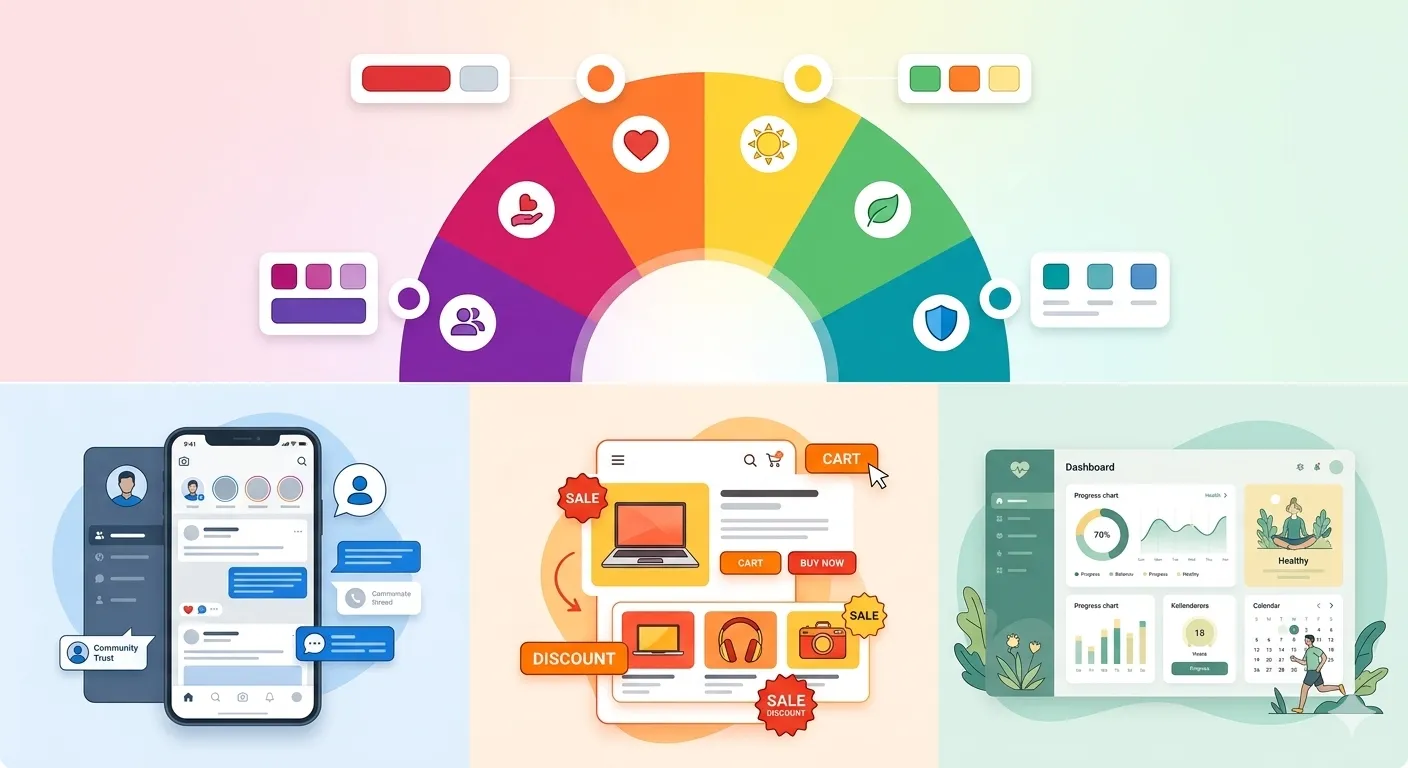
Color is much more than a visual element— it is a psychological trigger, an influencer of decision-making, and one of the most powerful weapons in UI/UX design. But in 2026, when digital competition is fierce and user attention spans are short, knowing the psychology of colors will be fundamental, not an option.
Colors have a tremendous impact on users interacting with websites, applications, and digital products in general, whether influencing buying decisions or shaping brand perception. Be it a SaaS dashboard, an eCommerce store, a PrestaShop HTML box, or any other, for that matter. The right color choices can go a long way in improving user experience and conversions.
In this comprehensive guide, we will cover the psychology of colors, their influence on user behavior, and how to use them wisely in UI/UX Design, along with practical examples.
Why Color Psychology Matters in UI/UX
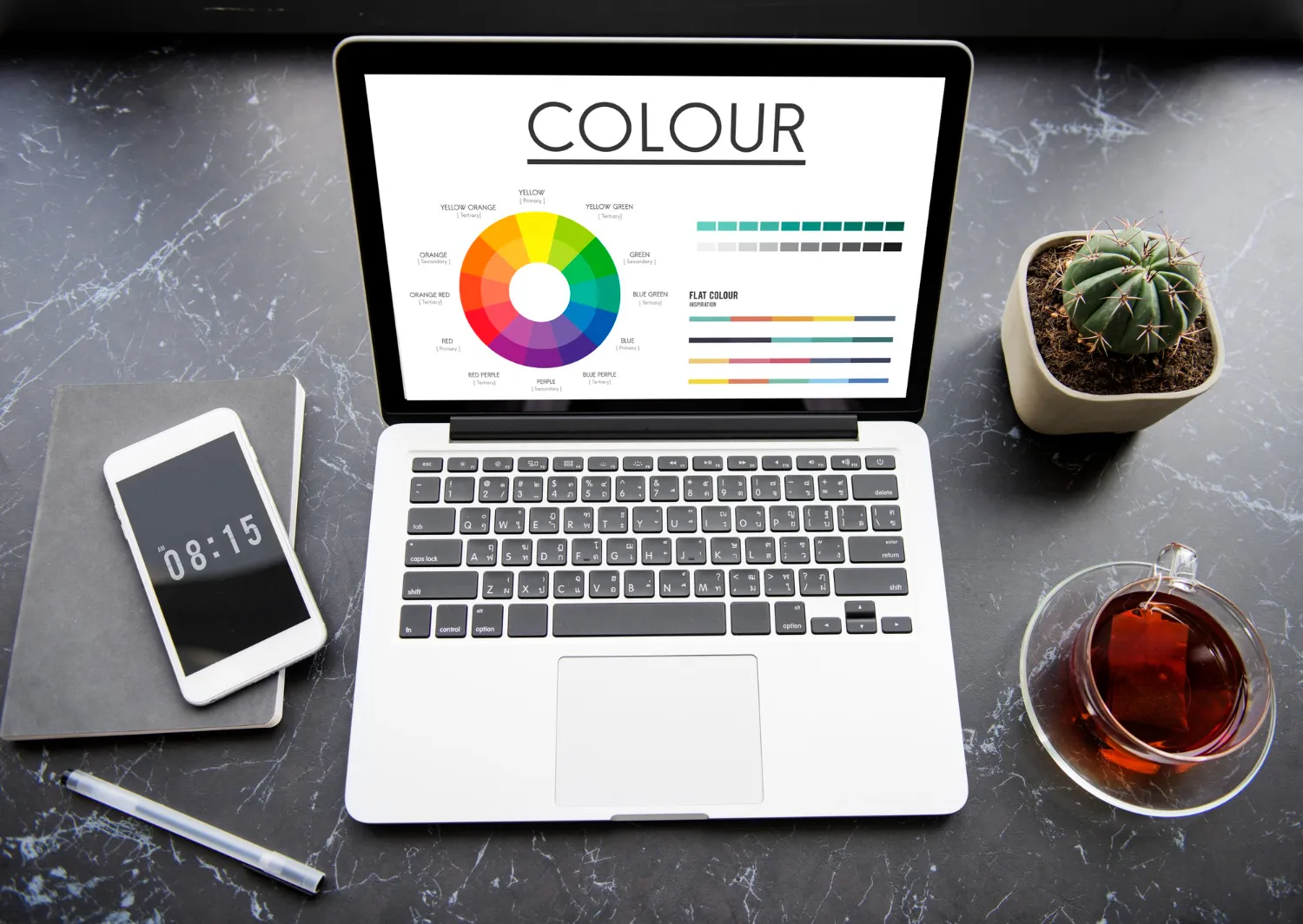
Color psychology is the study of colors as a determinant of human behavior. It helps designers in UI/UX design by:
- Guide user attention
- Trigger emotional responses
- Improve usability
- Increase conversions
- Strengthen brand identity
Key Insight:
According to studies, the first impression of a website is formed within 50 milliseconds, and color helps significantly in this regard.
The Science Behind Color Perception
Color perception is influenced by:
- Cultural background
- Personal experiences
- Context of use
- Industry standards
Red, for instance, might represent danger in one context and excitement in another. This indicates the necessity for designers to be aware not only of general meaning, but also contextual meaning.
Core Color Psychology Principles
Emotional Association
Each color evokes specific emotions:
| Color | Emotion | Usage |
| Blue | Trust, calm | Finance, tech |
| Red | Urgency, passion | Sales, alerts |
| Green | Growth, health | Eco, finance |
| Yellow | Energy, optimism | Highlights |
| Black | Luxury, power | Premium brands |
| White | Simplicity, clarity | Minimal UI |
Color Hierarchy
Color helps establish visual hierarchy:
- Primary colors for main actions
- Secondary colors for supporting elements
- Neutral colors for backgrounds
Contrast and Accessibility
Good contrast improves:
- Readability
- Accessibility
- User engagement
High bounce rates due to poor contrast
Deep Dive: The Influence of Colors in UI/UX
🔵 Blue — Dependability and Trust
Blue is widely used in:
- Banking apps
- SaaS platforms
- Corporate websites
Why it Works:
- Creates a sense of security
- Reduces anxiety
- Encourages trust
For example, Payment gateways utilize blue to instill trust in users during transactions.
🔴 Red – Urgency and Action
Red is a powerful attention-grabber.
Common Uses:
- Sale banners
- Call-to-action buttons
- Error messages
Psychological Impact:
- Increases heart rate
- Creates urgency
- Encourages quick decisions
🟢 Green – Growth and Positivity
Green is associated with:
- Nature
- Money
- Success
UI Applications:
- Confirmation messages
- Financial dashboards
- Eco-friendly brands
🟡 Yellow — Attention and Optimism
Yellow is bright and energetic.
Best Uses:
- Highlighting features
- Notifications
- Promotions
It can lead to visual fatigue when used excessively.
⚫ Black – Elegance & Sophistication
Black is often used in:
- Premium brands
- Fashion websites
- High-end product pages
Effect:
- Creates exclusivity
- Enhances elegance
⚪ White – Minimalism and Cleanness
White space — critical for modern UI.
Benefits:
- Improves readability
- Reduces clutter
- Enhances focus
Color Psychology in Action: Real-Life Examples
eCommerce Websites
In eCommerce:
- Red is used for discounts
- Green for “in stock” indicators
- Blue for trust signals
When prestashop html box is used to customize product pages, colors can be used strategically by designers and applied to:
- Highlight offers
- Improve CTA visibility
- Guide user flow
SaaS Dashboards
SaaS platforms use:
- Blue for trust
- Green for success metrics
- Red for alerts
This way, users can interpret data at a glance.
Mobile Apps
Mobile UI relies heavily on:
- High contrast
- Minimal color palettes
- Clear CTA colors
Color Combinations That Work in 2026
Blue + White
- Clean and professional
- Ideal for tech platforms
Black + Gold
- Premium and luxurious
- Perfect for high-end brands
Green + White
- Fresh and modern
- Works well with fintech and eco brands
Purple + Pink
- Creative and bold
- Popular in modern startups
How to Choose the Right Colors for Your UI
Step 1: Understand Your Audience
Diverse audiences have different reactions to colors.
Step 2: Define Brand Personality
Is your brand:
- Professional? → Blue
- Energetic? → Red/Yellow
- Premium? → Black
Step 3: Focus on Usability
Which, when it comes down to it, simply means making sure colors are useful as well as pretty.
Step 4: Test and Optimize
Experiment to see what works best with A/B testing.
Accessibility and Inclusive Design

Accessibility is a top priority in 2026.
Key Guidelines:
- Maintain proper contrast ratios
- Avoid relying solely on color
- Use text labels with colors
Common Mistakes in Color Usage
❌ Overusing Bright Colors
Leads to visual clutter.
❌ Poor Contrast
Reduces readability.
❌ Ignoring Cultural Context
Different colors can mean something to other areas around the world.
❌ Inconsistent Color Scheme
Confuses users.
Advanced Color Strategies
- Dark Mode Optimization
Dark mode is now standard.
Tips:
- Use softer contrasts
- Avoid pure black backgrounds
- Highlight CTAs effectively
- Micro-Interactions with Color
Color changes during interactions:
- Hover effects
- Button clicks
- Notifications
Enhance user engagement.
- Emotional Design
Combine colors with:
- Typography
- Animations
- Layout
To create a complete emotional experience.
Role of AI in Color Selection (2026 Trend)
AI tools now help designers:
- Generate color palettes
- Predict user reactions
- Optimize UI for conversions
This minimizes guesswork and yields better results.
Case Study — Color for Conversion Improvements
Scenario:
Example: An eCommerce store that revamped its UI.
Changes:
- CTA button switched from grey to red
- Background simplified to white
- Trust elements highlighted in blue
Result:
- 35% increase in conversions
- Lower bounce rate
- Better user engagement
Applying Color Psychology in PrestaShop

For PrestaShop users, especially when using prestashop html box, color customization can:
- Improve product visibility
- Highlight promotions
- Enhance user navigation
Practical Tips:
- Use contrasting colors for CTAs
- Maintain brand consistency
- Test different color schemes
Color Psychology in UI | UX — The Future
- Personalized UI Colors
Interfaces adapting to user preferences.
- Emotion-Aware Interfaces
AI detects user mood and changes colors accordingly.
- AR/VR Color Experiences
This led them to create immersive environments with dynamic color systems.
Final Thoughts
One of the most underestimated but powerful elements of UI/UX design is color psychology. In 2026, user experience is the key to success and if you do it right using colors, you will have a competitive edge!
The right color strategy can be the secret ingredient that takes a basic interface and elevates it to become an inviting digital experience, from enhanced usability to higher conversions. If you’re designing anything, a mobile app, SaaS platform, or an eCommerce store with one of the many tools available, like PrestaShop HTML box, understanding how colors affect behavior will make sure that your design is effective.