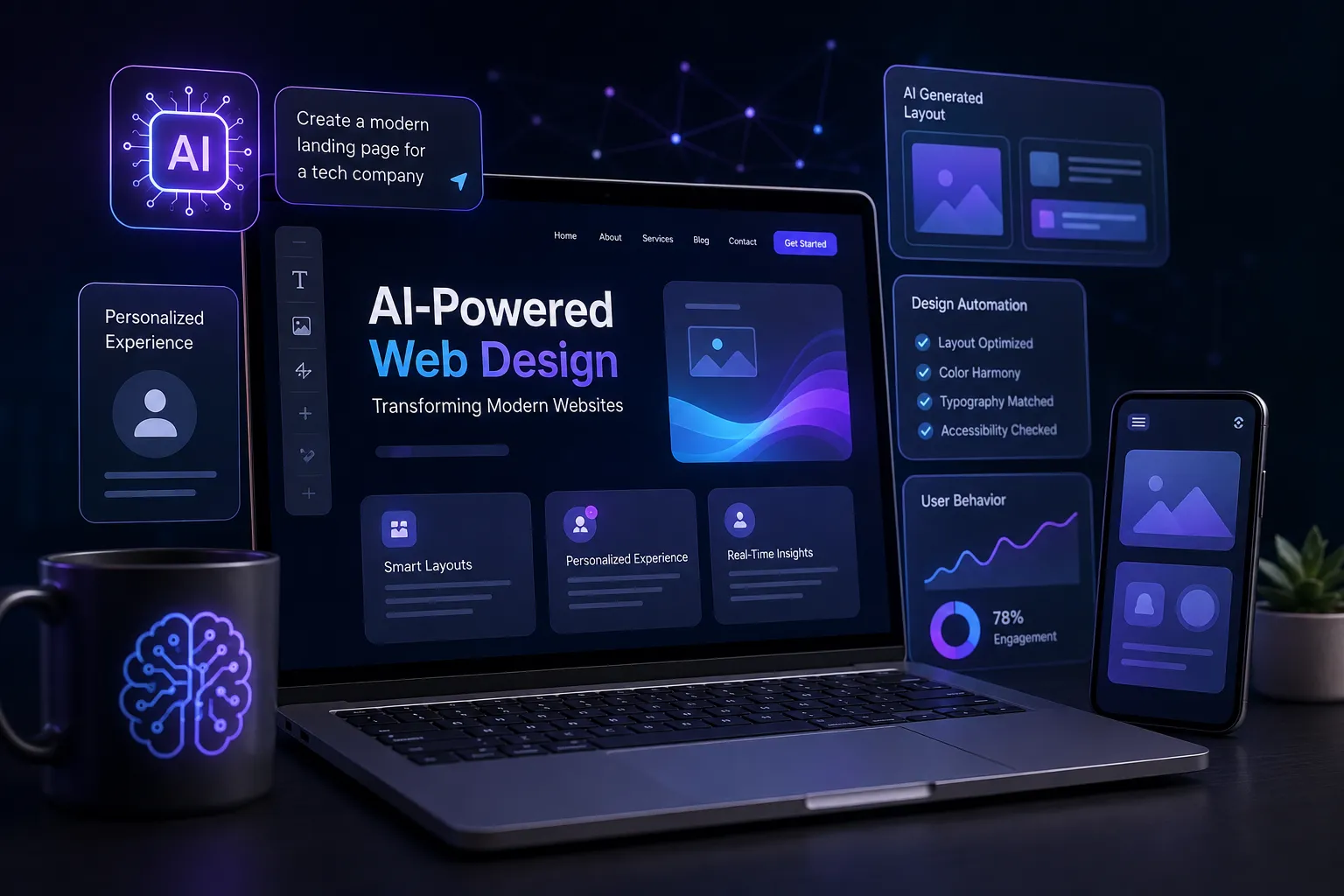
A few years ago, web design started with a blank Figma page. But now, it often starts with a prompt. AI-powered web design is changing how modern websites are planned, created, tested, and improved. What once took days of brainstorming and ideation can now take only a few minutes with guided automation and adaptive intelligence.
From building quick prototypes to testing concepts, AI-powered web design has become part of everyday design workflows. Once a website goes live, AI can also analyze user behavior and help improve the experience over time.
With these changes, the designer’s role has shifted too. Designers now spend more time evaluating AI-generated ideas and ensuring they solve real user problems. So, how is AI changing web design workflows and decisions? Let’s explore.
How Web Experiences Are Becoming More Adaptive
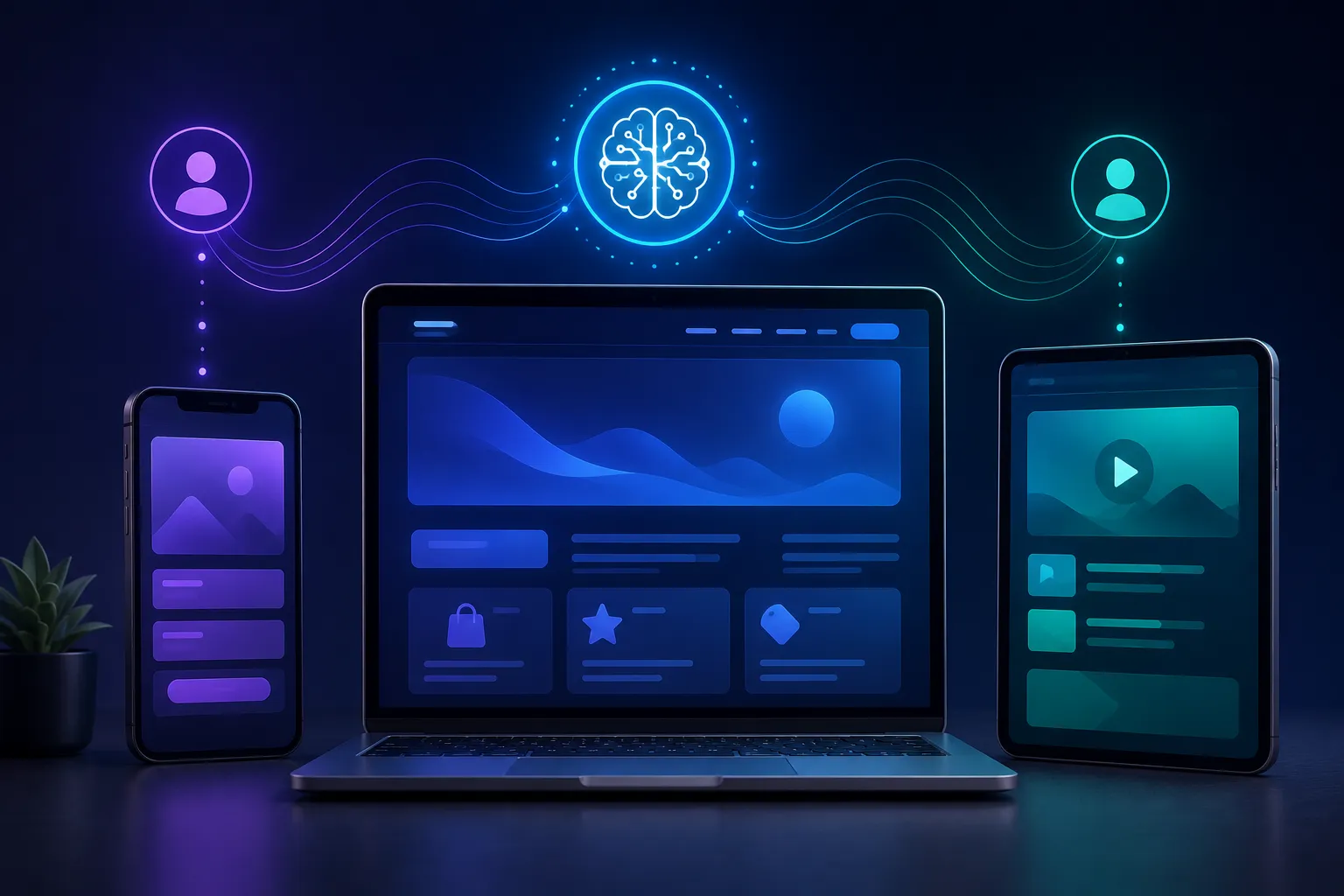
For many years, a website was built around a fixed template. Designers created one layout, and the content was intended for everyone. Every visitor received essentially the same webpage regardless of who they were or why they arrived.
As a result, the user experience was often generic. Responsive design made fixed layouts readable on phones instead of only desktops, but it did not fundamentally change the content or experience. Mobile users received a smaller, rearranged version of the page, while the overall experience remained similar.
This is now changing.
AI can use signals such as what a visitor clicked during a previous visit, how they arrived at the page, and how far they scrolled before leaving. It can then adjust content and experiences based on a user’s intent, behavior, and browsing context.
For example, a homepage can show different content to a first-time visitor than to someone returning for the third or fourth time. This is where UX design and AI work together. AI-powered web design can turn a static homepage into a more adaptive experience that responds to the needs of individual visitors.
Different Types of AI Behind Modern Websites
Modern websites can use different forms of AI to create more personalized, accessible, and efficient experiences.
- Generative AI: Produces layouts, images, icons, and copy from prompts instead of relying entirely on fixed templates.
- Predictive and machine learning models: Analyze past behavior to anticipate what a visitor may want next.
- Natural language processing: Powers conversational search and chat-based navigation.
- Computer vision: Generates alt text and helps identify contrast and accessibility issues automatically.
- Recommendation engines: Suggest relevant content, products, or next steps based on user behavior.
- Automation and testing AI: Runs continuous experiments and can help evaluate CTAs, layouts, and other interface elements based on real performance.
How AI Is Used in Modern Web Design
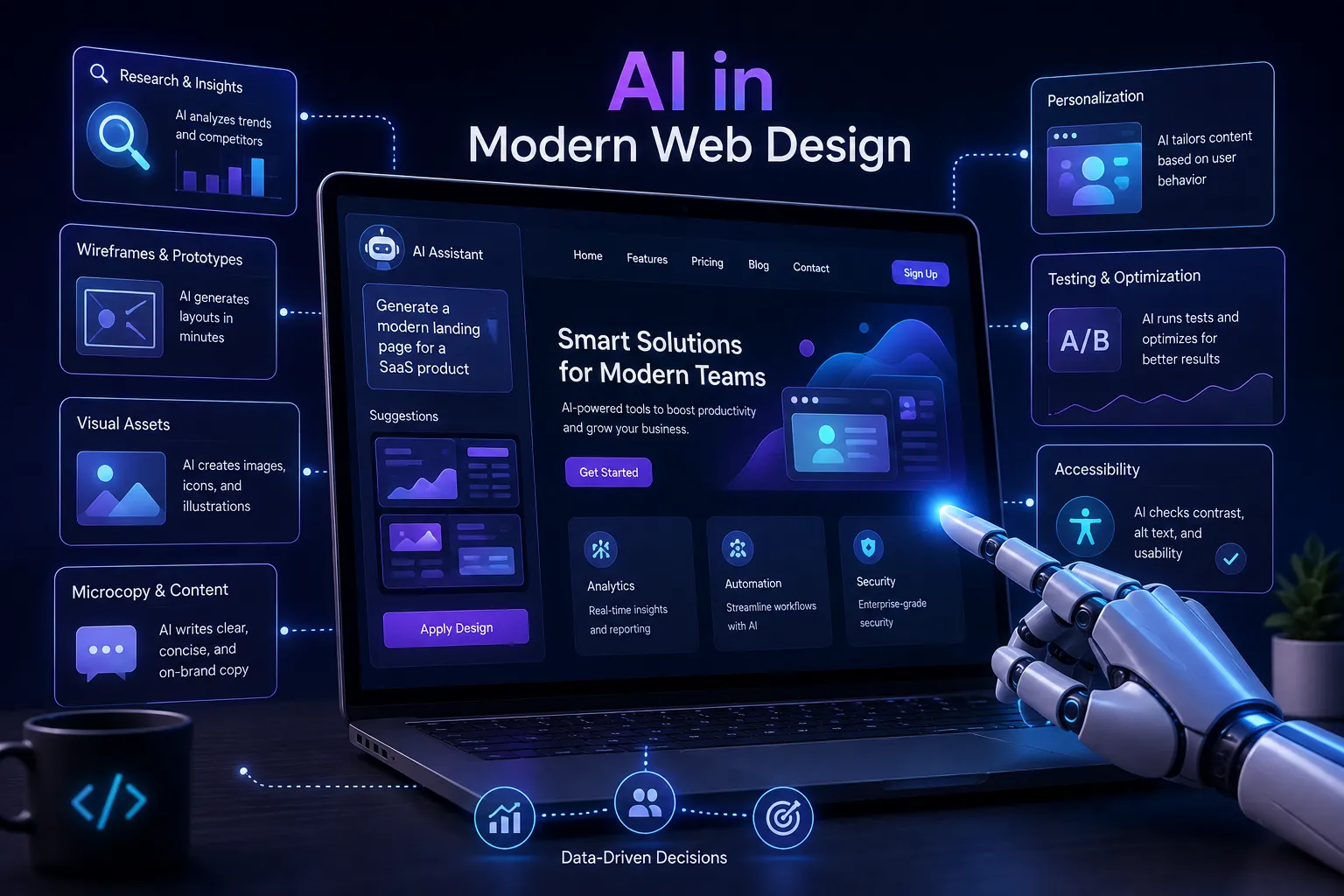
From initial research to post-launch optimization, AI in web design is transforming almost every stage of the design process. Designers can now explore, test, learn, and refine ideas much faster than before.
Here is how AI is reshaping modern web design.
From Research to Prototype in Hours
Earlier, the design process often started with competitor research followed by a blank canvas in Figma or Sketch. This could be time-consuming, requiring significant manual effort before designers even started creating a concept.
Today, AI can help teams analyze competitor websites, explore design patterns, summarize trends, and generate initial concepts much faster. With the right prompt, designers can move from an initial idea to a wireframe or code-ready layout in hours instead of spending days on early-stage exploration.
This is one of the clearest examples of how AI is changing web design before a single line of production code is written.
Visual Assets and Brand Consistency Now Run on Autopilot
Creating visual assets that match a brand’s identity has traditionally required significant manual effort. Even after spending considerable time on the process, designers may still struggle to maintain consistency across different pages and platforms.
AI can now help teams generate icon sets, illustrations, backgrounds, and other visual elements that follow defined brand guidelines. Designers can also create light and dark mode variations, adjust focal points for mobile layouts, remove backgrounds, and make other visual changes more efficiently.
Microcopy is also becoming part of the design process. AI can help create button labels, instructions, error messages, tooltips, and other interface copy tailored to different users and situations.
As a website grows, small inconsistencies can appear across pages, including incorrect colors, fonts, spacing, or component styles. AI design automation can compare new pages against established design guidelines and flag potential inconsistencies before they go live.
This makes it easier for large websites and digital products to maintain a consistent visual language.
Personalization Puts the User at the Center
AI has taken personalization to another level. Traditional responsive design primarily changes the layout according to screen size. However, UX design and AI can work together to influence what a visitor sees based on behavioral signals and real-time intent.
AI can analyze signals such as clicks, referral sources, browsing behavior, and scrolling patterns. A first-time visitor might see social proof and introductory content, while a returning high-intent visitor could see pricing, product details, or a stronger call to action.
Previously, this type of personalization often required custom work from analytics and engineering teams. Today, many digital platforms offer personalization capabilities as built-in features.
Some websites are also moving toward conversational search. Instead of navigating through multiple menus and filters, users can describe what they need in natural language and receive a more relevant response.
Code, Testing, and Optimization Now Run Together
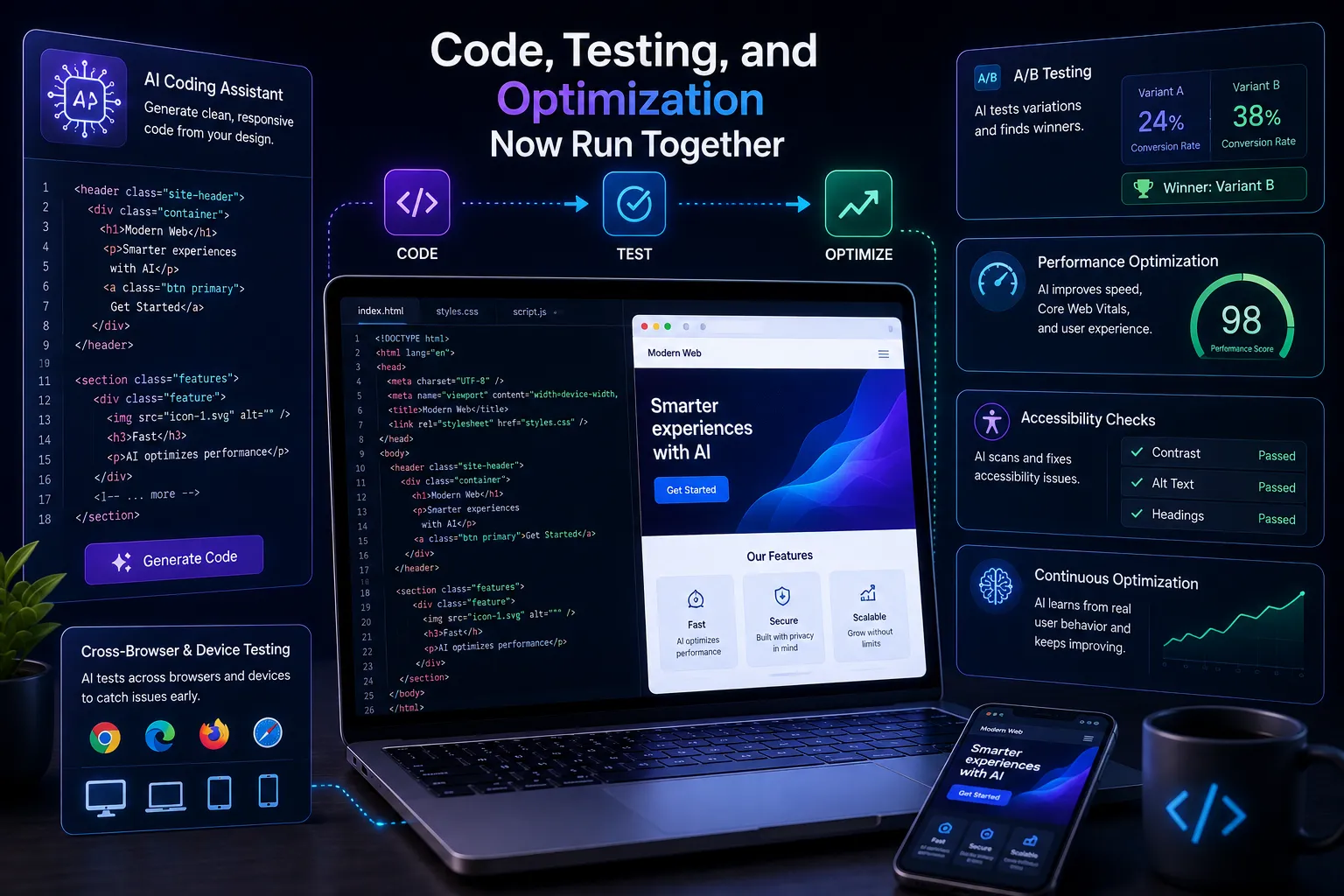
AI can help transform design concepts into working code, test websites across different devices and browsers, and identify potential visual problems before launch. This can reduce the amount of repetitive manual work developers need to perform.
AI can also support websites after launch. Instead of testing only one version at a time, teams can evaluate multiple layouts, CTAs, and content variations and use performance data to determine which experiences work best.
AI can also support accessibility by generating alt text and identifying potential contrast, navigation, and interface issues.
With AI-powered web design, design decisions can become more data-driven. Instead of relying entirely on instinct or previous experience, teams can use real user data to evaluate ideas and identify opportunities for improvement.
Where AI Needs Human Judgment
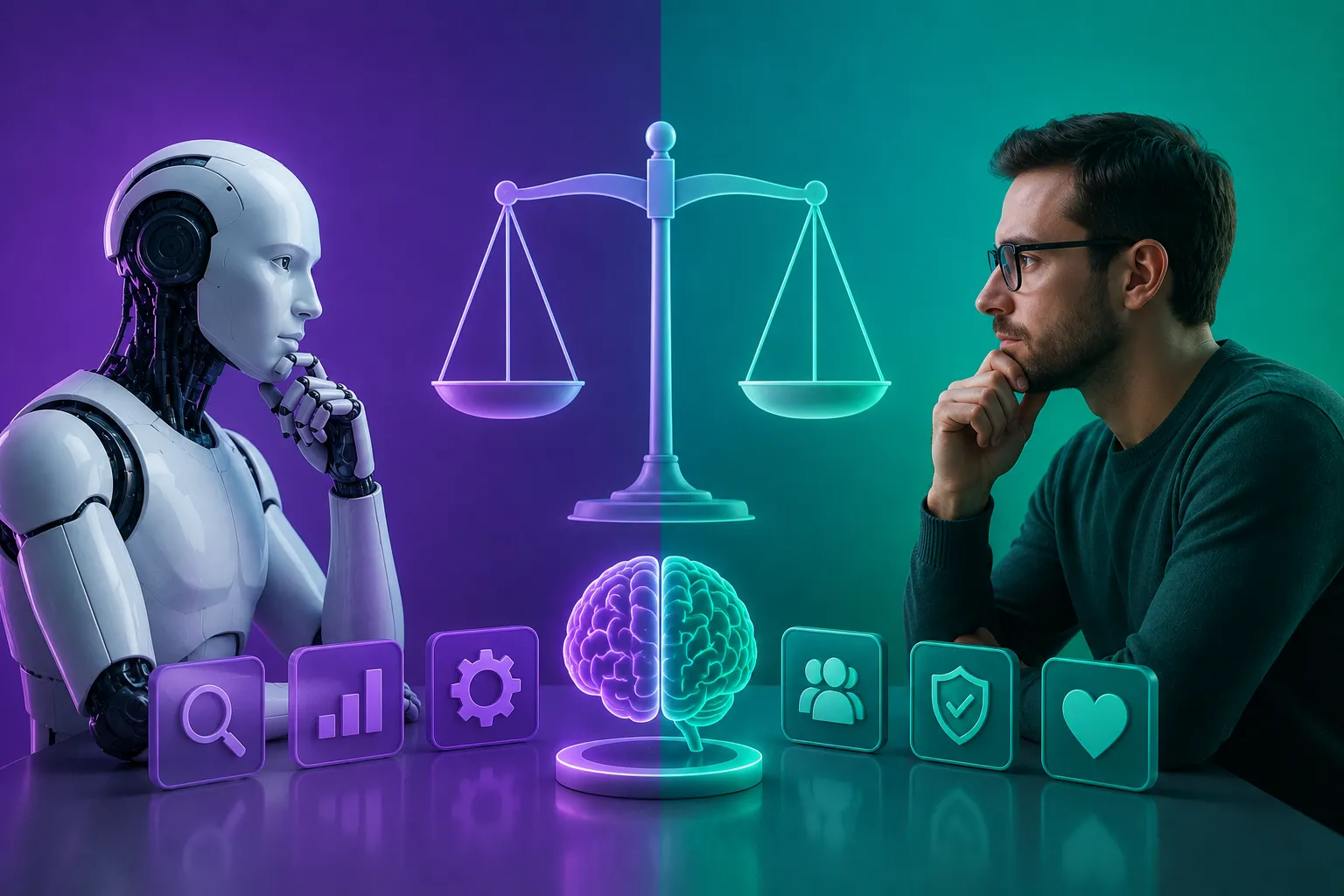
The real challenge is knowing where to trust automation and where human judgment is still essential.
Scans Aren’t Audits
AI tools can identify missing alt text, low contrast, and other potential accessibility issues. However, automated scans cannot fully understand the experience of someone navigating with a screen reader or someone with limited mobility.
A proper accessibility process still requires human evaluation and real-world testing.
Sites Can Drift Off Course
Adaptive websites continuously respond to new data. As a result, a homepage can gradually move away from its original purpose or brand strategy.
Regular reviews can help teams identify this type of drift. Designers can compare what the website has become with what it was originally intended to achieve and make adjustments when necessary.
Code Still Needs an Owner
AI-generated code does not remove responsibility for security vulnerabilities, performance problems, accessibility issues, or licensing concerns.
AI-generated code should be treated like any other code: reviewed, tested, and approved before it reaches production. Human sign-off keeps accountability where it belongs.
Judgment and accountability are not responsibilities that automation can take over by itself. That is why AI-powered web design still depends on human designers, developers, and product teams.
The Future of Web Design Is Intent-Driven
Web design is moving from fixed pages toward experiences that can adapt to individual users and changing contexts. AI can accelerate prototyping, improve design consistency, support personalization, automate repetitive tasks, and help teams optimize websites after launch.
However, people still need to evaluate accessibility, review AI-generated changes, protect brand consistency, and take responsibility for the final product.
Ultimately, AI-powered web design works best when AI handles repetitive and data-heavy tasks while people make the important strategic and creative decisions. The future of web design is not about replacing designers with AI. It is about giving designers better tools to create more adaptive, useful, and user-centered digital experiences.