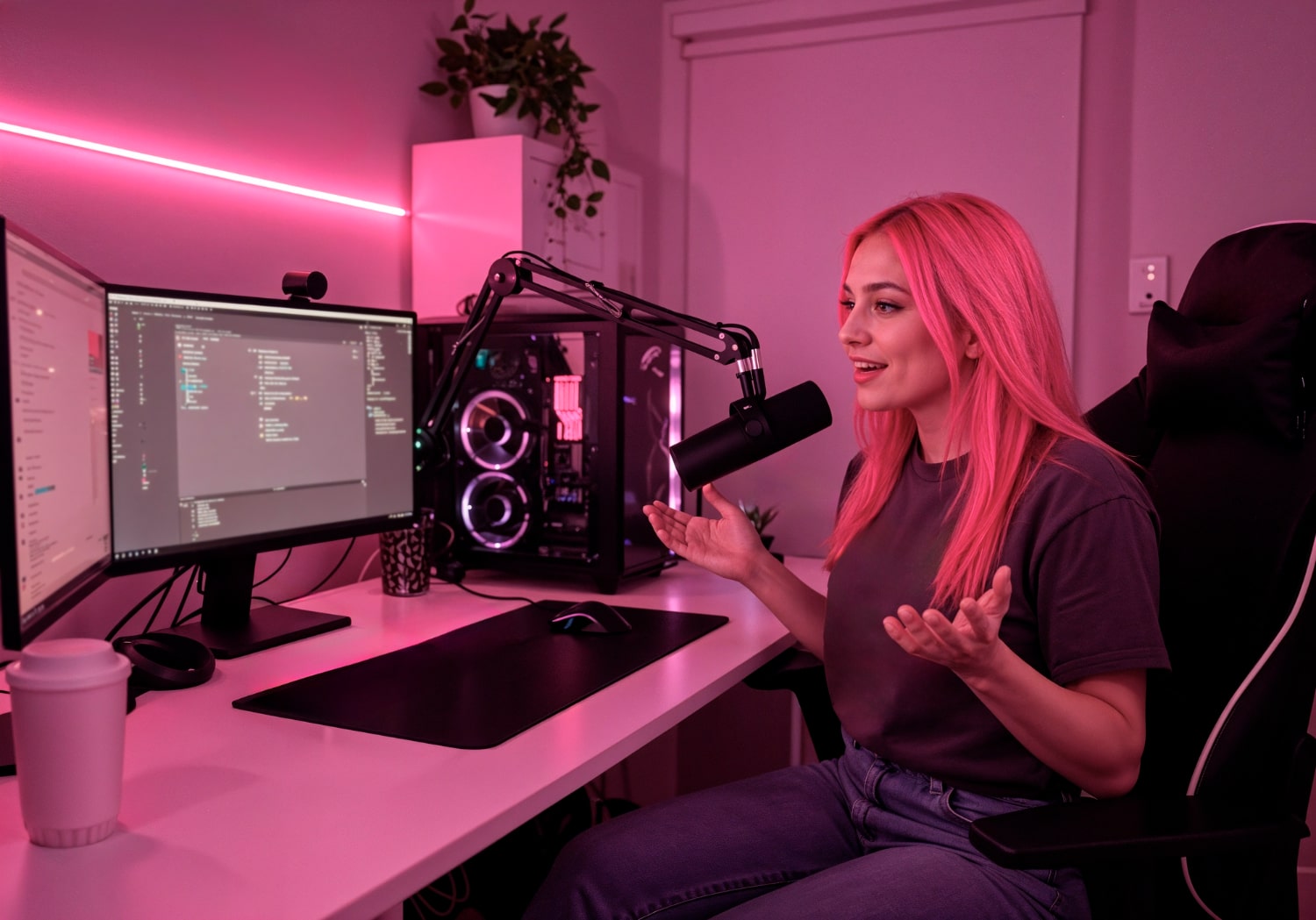
Are you a streamer struggling all day with your computer? Well, it’s understandable that your computer is a powerhouse, but do you have the right sidekick on stand-by mode that saves your day? Yes, we are talking about the power cord that can supercharge your PC.
Electricity is the energy juice a power cord brings to your PC. It determines the clarity of your gaming sessions. Without a proper electric current flowing into your gaming setup, the screen can become dark. Even your game setup may stop!
However, the right power cord for your game station can be game-changing. We are here today to discuss the best power cords every streamer needs for their setup. So, stay tuned if you are looking for a smooth, uninterrupted streaming performance.
Who knows, it can be a lifesaver for you.
So, let’s get started!
The Best Power Cords for Every Streamer for Smooth, Uninterrupted Streaming
1. The “Big Boss” Cable (PC Power Cord)
At first, let’s talk about the most important member of the team. That’s the main power supply cable for your PC.
Think of your computer like a hungry monster. It needs to eat electricity to run fast and play games. The power supply cable is like a giant straw. It plugs into the wall and feeds your computer all the yummy electricity it needs.
- What does it look like? It is usually thick and black. One end has three little holes that look like a surprised face (😮), and the other end has three metal pins that go into the wall.
- Why is it special? This cord connects to a box inside your computer called the PSU (Power Supply Unit). You shouldn’t use just any old cord you find in a dusty drawer. You need a strong one that can handle a lot of energy without getting too hot.
- Pro Tip: Never wiggle this cord while the computer is on! It might make your computer tummy ache (turn off suddenly).
2. The “Screen Saver” (Monitor Power Cords)
You can have the fastest computer in the world, but if you can’t see what you are doing, you can’t win the game! Your monitor (the TV screen for your computer) needs its own snack, too.
Most big monitors use the same type of power supply cord as your computer. It’s like they are twins! But some thinner monitors use a different kind. They have a “brick” on the cord. It’s a heavy rectangular block.
- What is the brick? The brick changes the strong electricity from the wall into gentle electricity that won’t hurt your delicate screen.
- Why do you need it? If your monitor doesn’t get steady power, your screen might flicker or blink. Imagine trying to aim at a bad guy while the lights are flashing on and off. Impossible, right?
3. The “Bodyguard” (Surge Protector)
A surge protector is kind of a long strip with many outlets. It is there to protect all your cords. This isn’t a cord, but like the house where all your cords live.
How do you protect your essential power cords from lightning strikes, storms or heavy winds? Those are the surges which can damage your power cords permanently. But if you have a surge protector, it will protect your cords from getting damaged.
Not only that. If your power cords are plugged directly into the wall, a powerful lightning strike could hurt your computer as well. But if you have a surge protector, it acts like a bodyguard and stops the threat. It jumps into the situation and absorbs all the wave formations through electricity fluctuations.
Why does every streamer need one?
Well, it’s obvious who wants their essential power cords or even the computer to get damaged due to a natural disaster? These protectors work like shock absorbers that you have in vehicles, which protect the vehicles from all kinds of shocks.
4. The “Extension Team” (Extension Cords)
Sometimes, the plug point is too far from your PC setup. You need extension cords to reach that point. It will stretch out the power supply cord and maintain a smooth power supply. It is like adding extra tracks to the original railway track so that the train can go further.
However, for that type of setup, you’ll need to be careful with the following things.
i) Don’t trip
Don’t place the extension cord in the middle of the room. You might trip and fall.
ii) Don’t overload
Don’t plug too many cords and/or chargers into one thin extension cord. It can get too hot and stop working.
5. The “Tidy Twins” (Cable Ties)
Apart from the major and minor power cords, you’ll also need a few crucial cord-type components that are required to manage the clutter behind your gaming desk. Generally, all streamers are busy the whole day in their main task, which is streaming. They are so busy that they forget to peek behind that desk and find out the clutter formed.
What kind of clutter are we talking about?
It’s the giant mess behind your desk that looks like spaghetti. It’s called “Cable Clutter”.
Have you ever looked behind your desk and seen a giant mess that looks like spaghetti? That is called “Cable Clutter.” When you have a power supply cable for your PC, another power supply cord for your monitor, and maybe a charger for your phone, they can get all tangled up. This is the cable clutter we are talking about.
However, to get a “smooth setup”, a streamer needs to get rid of this clutter.
It’s like you cannot avoid that clutter, because multiple cords come towards your PC from the power supply. And they get entangled. But the aim is to make them look neat and clean. And that is why we have the Cable Ties!
Velcro ties (soft sticky straps) are one of the best options to bundle your cords together. They make your setup look cool and professional.
Also, if you have pets at home, they won’t be able to chew on them. So, it’s like one solution that fits all.
The Power Team for Your Entire Setup

Let’s look at your team one last time:
- PC Power Cord: The big straw that feeds your computer.
- Monitor Cord: The cord that keeps your screen bright.
- Surge Protector: The bodyguard that stops lightning zaps.
- Cable Ties: The helpers that keep everything neat.
Say “Thanks” to the Unsung Heroes
They always go unnoticed by all, but you are not the same. Next time you sit for a stream, take a look under your desk and say a little “Thank You” to the hardworking power cords down there. It’s due to them, you can play, chat, and have fun without any interruptions!