50+ Most Useful Photoshop Typography Tutorials

Typography is the art and technique of arranging type, type design, and modifying type glyphs. Type glyphs are created and modified using a variety of illustration techniques. The arrangement of type involves the selection of typefaces, point size, line length, leading (line spacing), adjusting the spaces between groups of letters (tracking) and adjusting the space between pairs of letters. In this article you will find some useful and most attractive Typography tutorials.


Creating a Typographical Wallpaper
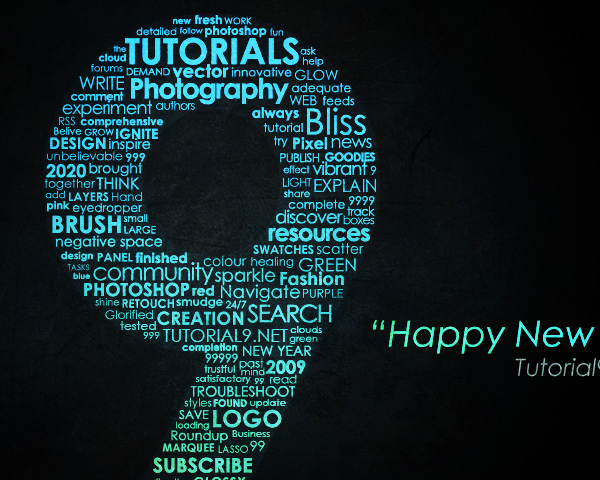

Typography Wallpaper in Photoshop
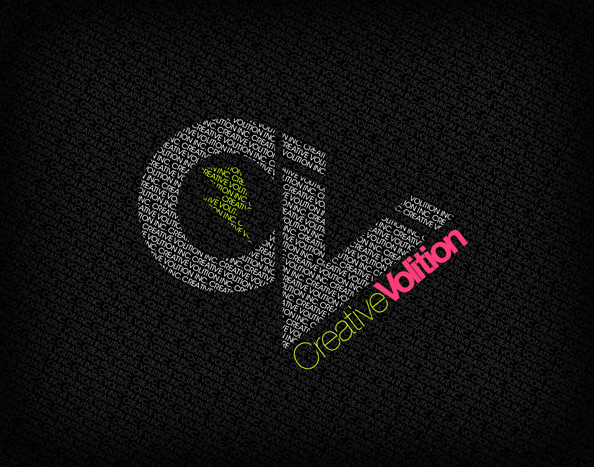

Create a Dream Design with 3D Typography
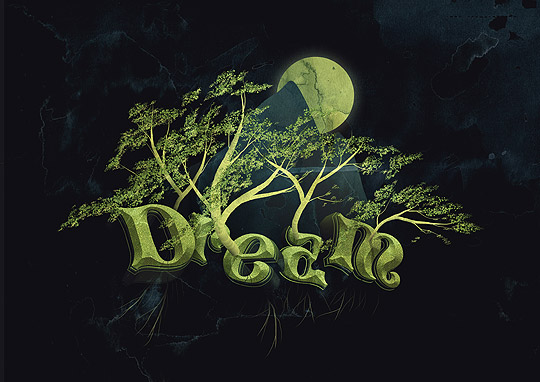

3D typographic effects in Photoshop
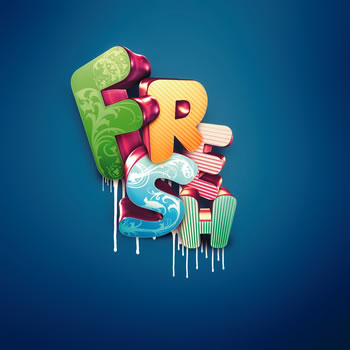

Create a Trendy Typographic Poster Design
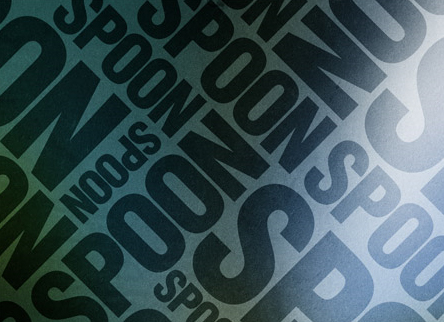

Create and Then Shatter a Grid, while Making a Typographic Poster
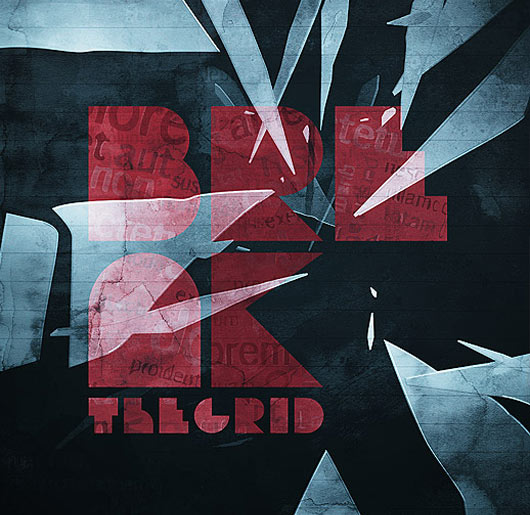

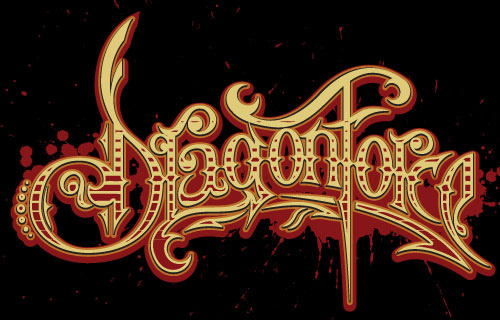
How to Create a Richly Ornate Typographic Illustration
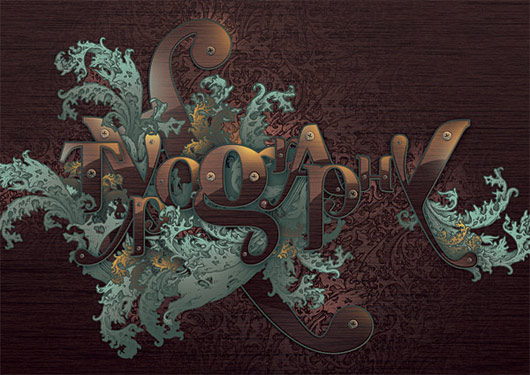

Colorful retro text


Dramatic Text on Fire Effect in Photoshop


How to Create a Copper Photoshop Text Effect
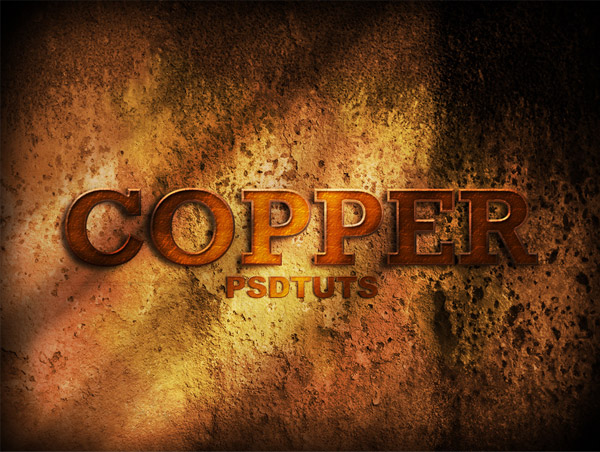

Cool Musical Poster from Words


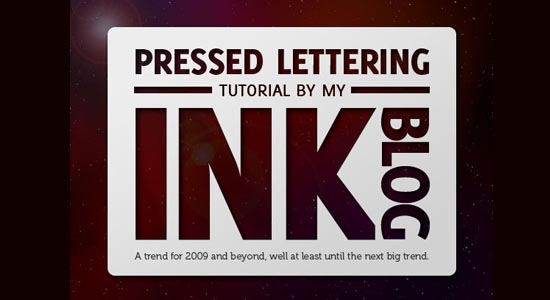
Pressed Lettering

Decorating Text


Wanted Sign Into A Piece Of Wood


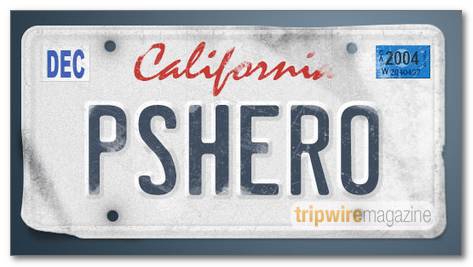
License Plate Text Effect


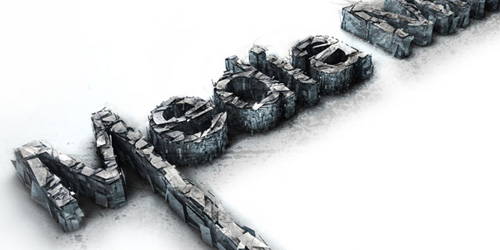
3D Text Shatter Effect

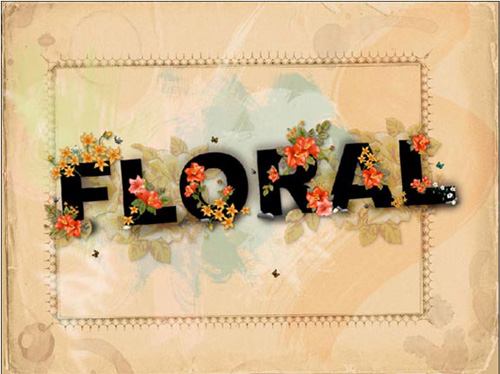
Floral Text Wallpaper

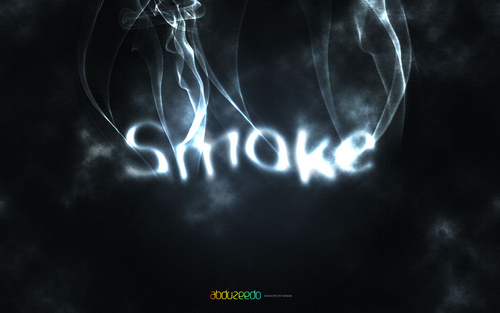
Smoke type in Photoshop in 10 steps

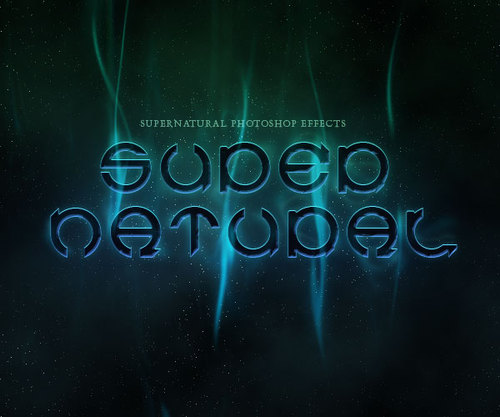
A slick supernatural text effect

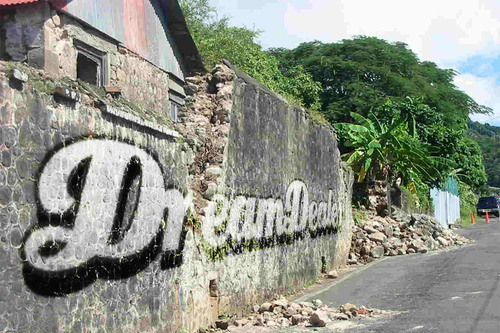
Graffiti with Photoshop

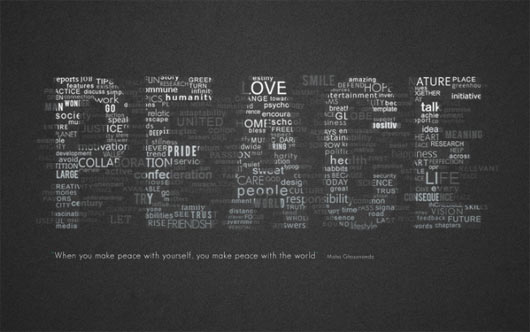
How To Create Great Typographic Wallpaper In Photoshop

Create a Spectacular Flaming Meteor Effect on Text


How to Create Eroded Metal Text with Photoshop
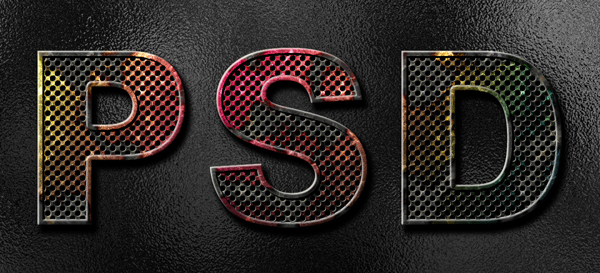

How to Design a Stunning, 3D, Sunset Type Illustration


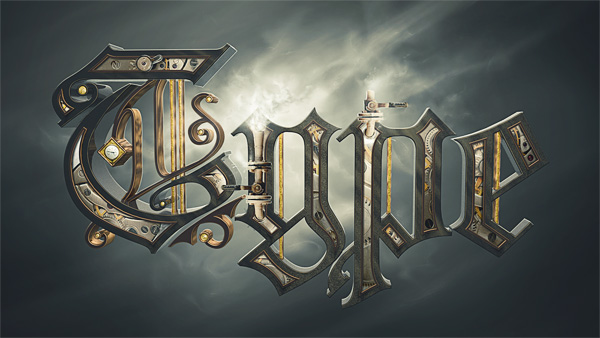
Create a Steam Powered Typographic Treatment

Part 1

Part 2

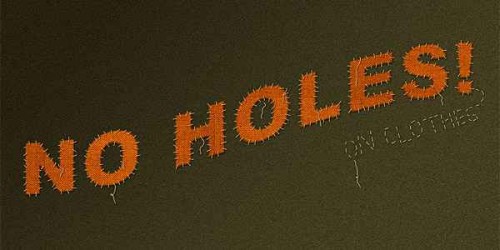
Patches Text Effect – Photoshop Typography Tutorial


Designing a Typographic Concept Poster in Photoshop –Tutorial


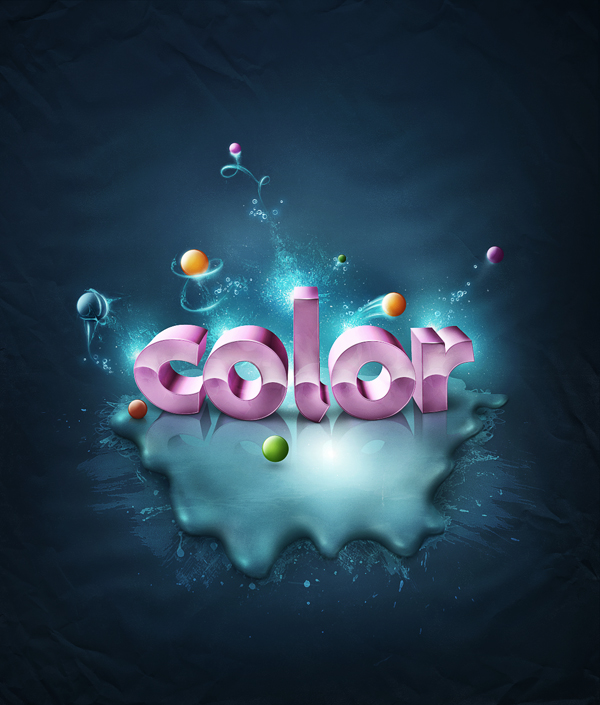
Add Fantastic Color to 3D Text

Part 1

Part 2

3D Typography in Photoshop


Old School Type – Line Gradients


Candy Coated Photoshop Tutorial


Photoshop Tutorial – Creating A Retro Grunge Poster


Icey Styles in Photoshop


Dynamic Recessed Watercolor Typography in Photoshop


Distorted type effects


Masking with type


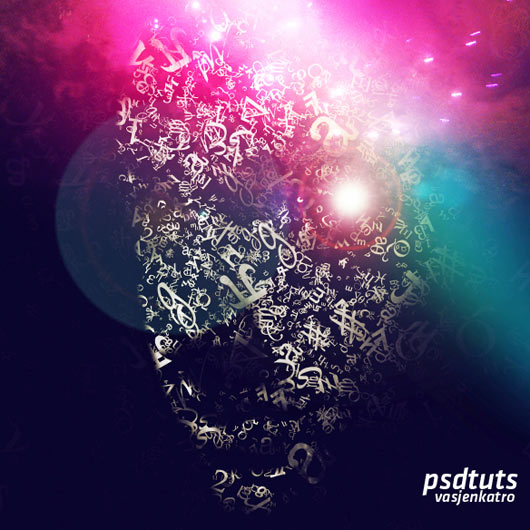
How to make a Typographic, Retro, Space Face

Super Cool Frilly Bits Typography
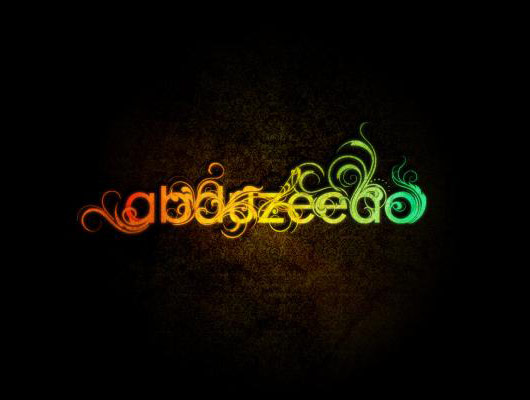

Rusted Metal Typography
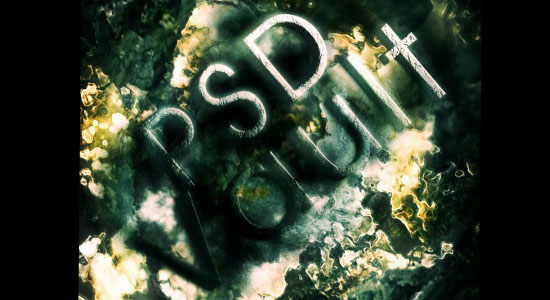

Cabbie effect


Displaced Text
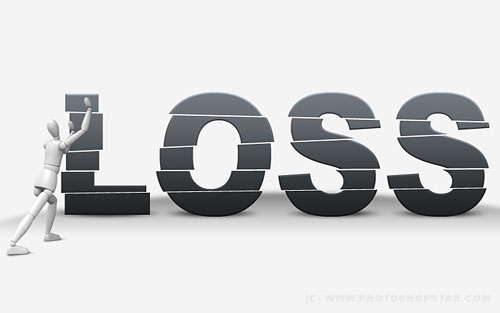

Simple Golden Text Effect


Creative Grunge Effect
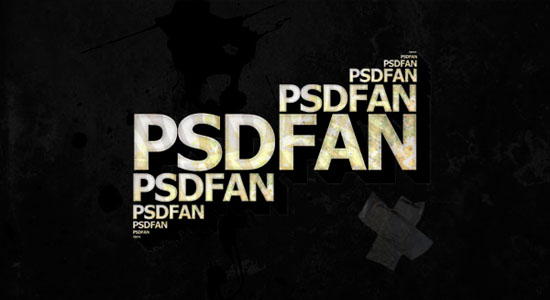

Transformers Effect


Create a Spectacular Style Text Effect


Shining Neon Text Effect
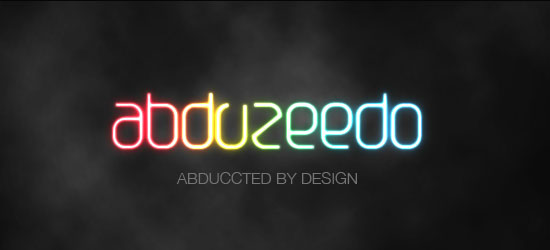

Easy Plastic Text with Layer Styles


Rusty text


Smooth and Fresh Text Effect with Leaves and Stone Texture


Create a Transparent Text Effect with Fresh Grass Texture and Custom Brushes


Create A Gold Text


If you are looking for great success in pass4sure mcse exam then join today our useful resources like 70-642 and 199-01 to explore unmatched exam ideas. Download 70-647 with self paced ccna security dumps to productively surpass 1Y0-A15 exam.

Related Posts:

Dipankar

Dipankar Jana, younger Brother of Dibakar (the Founder of Djdesignerlab). At the age of 16 he has gained a good knowledge in web design services. From the last few months he was showing interest in Blogging also. From now he is writing article for Djdesignerlab.com also.

7 Replies for this Article

  1. Thank you for every other informative blog. The place else may just I am getting that type of information written in such a perfect method? I have a undertaking that I’m just now running on, and I’ve been at the look out for such info.

    ReplyReply
  2. I liked up to you’ll obtain performed proper here. The caricature is tasteful, your authored subject matter stylish. nevertheless, you command get bought an impatience over that you want be delivering the following. sick no doubt come further in the past again as precisely the same nearly a lot regularly inside case you protect this increase.

    ReplyReply
  3. My brother suggested I may like this blog. He was once entirely right. This post truly made my day. You can not consider just how much time I had spent for this information! Thank you!

    ReplyReply

Leave a Reply

Your email address will not be published. Required fields are marked *

*

You may use these HTML tags and attributes: <a href="" title=""> <abbr title=""> <acronym title=""> <b> <blockquote cite=""> <cite> <code> <del datetime=""> <em> <i> <q cite=""> <strike> <strong>